Microsoft 365 Copilot vs Habitica: AI Productivity vs Gamified Task Management
Microsoft 365 Copilot is designed for professionals who need AI-assisted document creation, email drafting, and project management on the go. Habitica targets individuals seeking a fun, RPG-like approach to building habits and completing daily tasks. If you work with Office files and want an AI copilot, choose Copilot. If you thrive on gamification and need help with habits, choose Habitica.

Microsoft 365 Copilot
Recommended- Rating
- ★ 4.51
- Downloads
- 1,000,000,000+
- Developer
- Microsoft Corporation

Habitica: Gamify Your Tasks
- Rating
- ★ 4.68
- Downloads
- 5,000,000+
- Developer
- HabitRPG, Inc.
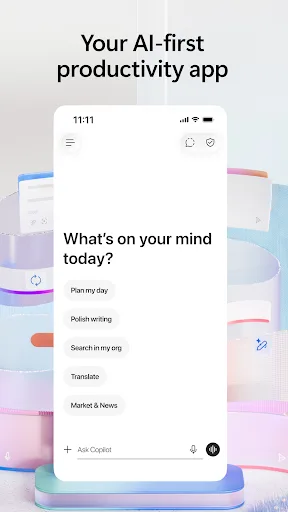
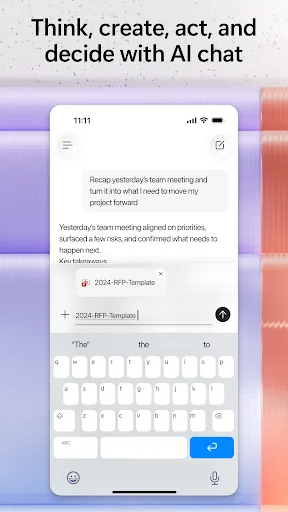
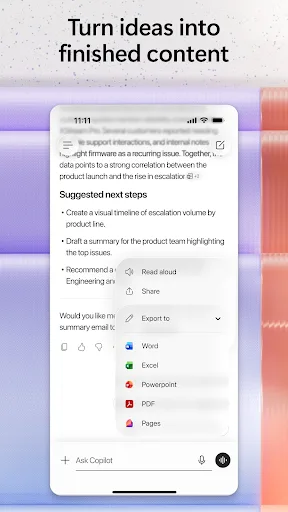
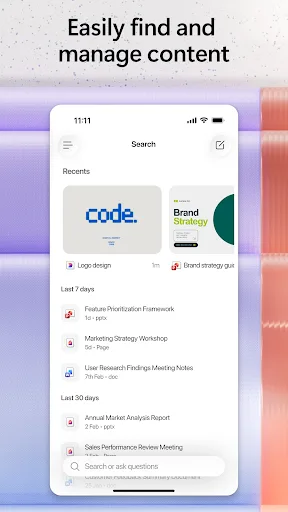
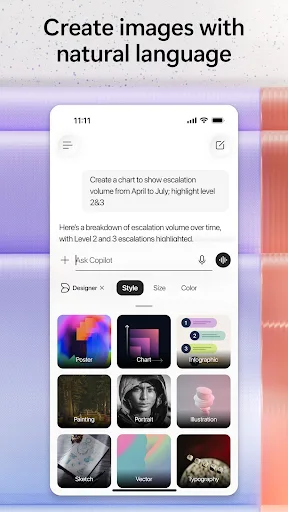
The Microsoft 365 Copilot app is your AI-first productivity app for work. It provides one place for you to chat with your AI assistant, create content, manage projects and quickly find files on the go – helping you get more done, without doing more. With the Microsoft 365 Copil…
Pros
- AI-powered assistant for drafting, summarizing, and creating content
- Seamless integration with Microsoft 365 apps (Word, Excel, Outlook)
- One app for files, projects, and communication
- Over 1 billion installs, indicating reliability and wide support
- Regular updates with new AI features
Cons
- Requires a Microsoft 365 subscription for full features
- Limited to Microsoft ecosystem; less useful for non-Office users
- Can be resource-intensive on older devices
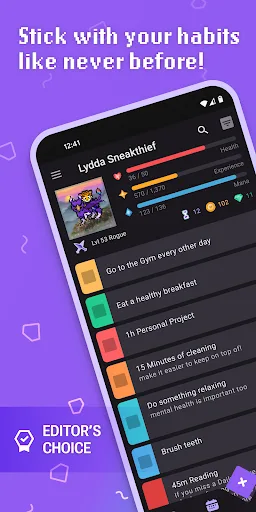
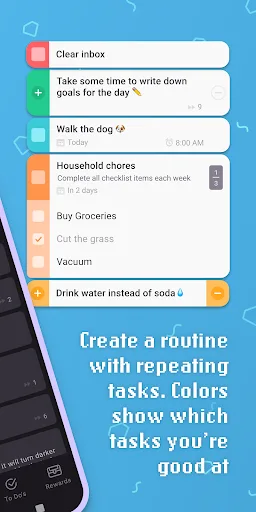
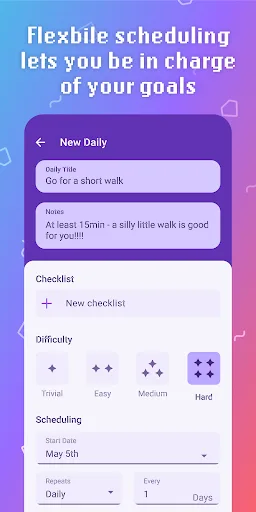
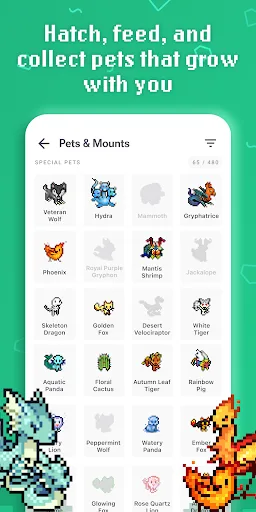
Habitica is a free habit-building and productivity app that uses retro RPG elements to gamify your tasks and goals. Use Habitica to help with ADHD, self care, New Year’s resolutions, household chores, work tasks, creative projects, fitness goals, back-to-school routines, and mo…
Pros
- Gamifies tasks with RPG elements (leveling, pets, quests)
- Effective for ADHD and habit-building through positive reinforcement
- Free to use with optional in-app purchases
- Strong community support and social accountability features
- Works offline for task management
Cons
- Not suitable for complex project management or document editing
- Gamification may not appeal to all users
- Limited integration with other productivity tools
Final Verdict
Our pick: Microsoft 365 Copilot
Both apps excel in different productivity niches. Microsoft 365 Copilot is the clear winner for office workers and students who rely on Word, Excel, and Outlook, offering seamless AI integration and a massive install base. Habitica is a creative solution for habit tracking but lacks deep office integration. For traditional productivity, Copilot is more versatile. However, if you struggle with motivation and enjoy game mechanics, Habitica is a strong choice. Overall, Copilot’s broader functionality and AI features give it the edge for most users.
Microsoft 365 Copilot Screenshots
Official app screenshots from the Google Play Store.
Habitica: Gamify Your Tasks Screenshots
Official app screenshots from the Google Play Store.

Frequently Asked Questions
Which app has a higher rating?
Habitica has a slightly higher rating (4.68 vs 4.52), but both are well-regarded. Ratings reflect different user bases: Habitica's niche audience rates it highly, while Copilot's massive scale includes more varied feedback.
Can I use either app offline?
Habitica supports offline task management; changes sync when online. Microsoft 365 Copilot requires internet for AI features, but some Office files can be accessed offline if previously downloaded.
Do these apps contain ads?
Habitica is ad-free. Microsoft 365 Copilot does not display ads, but some features require a subscription.
What are the device requirements?
Both apps require Android 6.0 or later. Copilot may need more RAM (2GB+) for smooth AI performance, while Habitica runs well on most devices.
Which app should I choose for daily task management?
If you want AI assistance for work documents and emails, choose Microsoft 365 Copilot. If you prefer a fun, game-like system to build habits and complete chores, choose Habitica.
Related Comparisons
 VS
VS

Any.do vs Google Keep: Which Productivity App Reigns Supreme?
 VS
VS
Microsoft To Do vs Google Keep: Which Productivity App Reigns Supreme?
VS
Microsoft 365 Copilot vs Any.do: Which Productivity App Reigns Supreme
 VS
VS
Forest vs Microsoft To Do: Productivity Showdown – Focus Timer vs Task Manager
 VS
VS

To-Do List & Daily Planner vs TickTick: Which Productivity Powerhouse Reigns Supreme?
 VS
VS