Microsoft OneDrive vs Google Drive: Which Android File Manager Reigns Supreme?
Microsoft OneDrive is ideal for users deeply integrated into the Microsoft ecosystem, offering seamless sync with Office 365 and Windows. Google Drive is perfect for Android users who rely on Google services and need robust collaboration tools. Both apps provide cloud storage and file management, but they cater to different priorities. This comparison helps you choose based on your specific needs.

Microsoft OneDrive
- Rating
- ★ 4.60
- Downloads
- 5,000,000,000+
- Developer
- Microsoft Corporation

Google Drive
Recommended- Rating
- ★ 4.27
- Downloads
- 10,000,000,000+
- Developer
- Google LLC
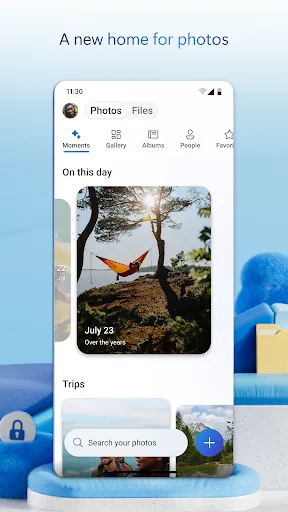
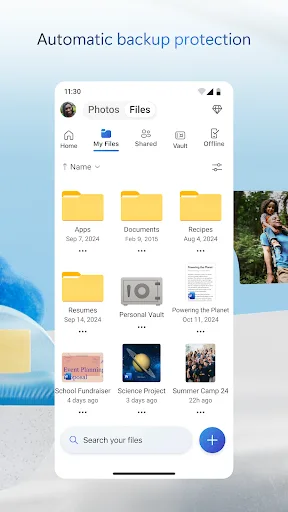
Start with 5 GB of free storage, or upgrade to Microsoft 365 Personal or Family for 1 TB per user. Access your files anywhere—even offline. Back Up Photos & Videos • Turn on Camera Upload for automatic photo and video backup • Secure photo locker with automatic tagging •…
Pros
- 5 GB free storage with easy upgrade to 1 TB via Microsoft 365
- Automatic photo and video backup with Camera Upload
- Secure photo locker with automatic tagging
- Excellent offline access to files across devices
- Deep integration with Microsoft Office apps
Cons
- Free storage is only 5 GB, lower than many competitors
- Collaboration features are less intuitive compared to Google Drive
- Sharing files with non-Microsoft users can be cumbersome
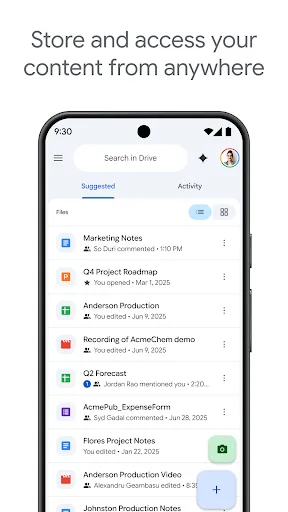
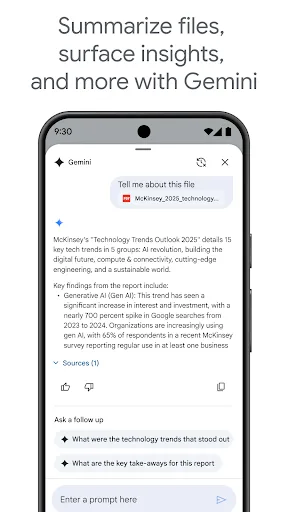
Google Drive lets you securely store, intelligently organize and collaborate on files and folders from anywhere, on any device. With Drive, you can: • Safely store and access your files anywhere • Edit and store 100+ file types, including PDFs, Office files, videos and more �…
Pros
- 15 GB free storage (shared across Google services)
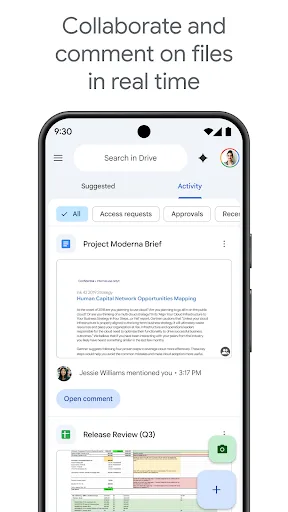
- Seamless collaboration with real-time editing on Docs, Sheets, Slides
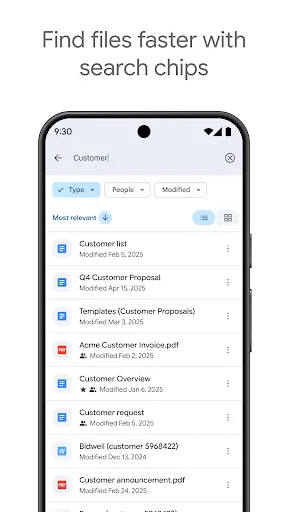
- Powerful search with OCR and image recognition
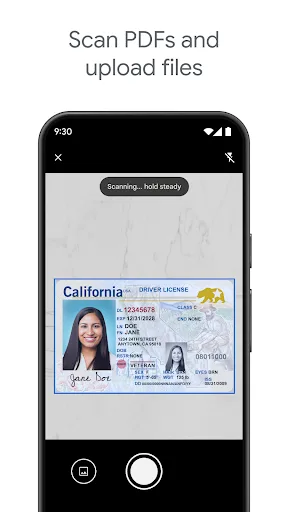
- Scan documents directly using device camera
- Supports over 100 file types including PDFs and Office files
Cons
- Privacy concerns due to data scanning for ads
- Offline access requires manual setup for each file
- Free storage is shared with Gmail and Google Photos, reducing usable space
Final Verdict
Our pick: Google Drive
For most Android users, Google Drive is the better choice due to its superior collaboration features, seamless integration with Google apps, and higher install base. However, if you are a heavy Office user or need deep Windows integration, Microsoft OneDrive offers better cross-device sync and offline access. Both apps are free with storage limits, but OneDrive's paid plans tie into Microsoft 365, while Google Drive's plans integrate with Google One. Ultimately, Google Drive wins for Android-centric users, while OneDrive is best for Microsoft loyalists.
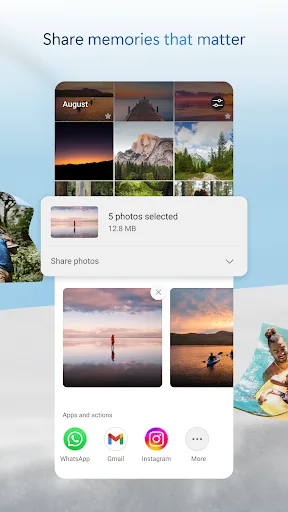
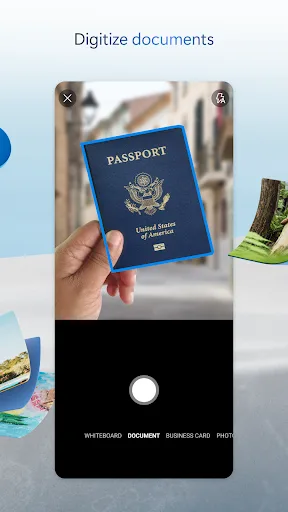
Microsoft OneDrive Screenshots
Official app screenshots from the Google Play Store.

Google Drive Screenshots
Official app screenshots from the Google Play Store.
Frequently Asked Questions
Which app has a higher rating?
Microsoft OneDrive has a slightly higher rating of 4.598 compared to Google Drive's 4.276.
Can I use these apps offline?
Both apps support offline access. OneDrive allows you to mark files as offline, while Google Drive requires you to make files available offline individually.
Do these apps contain ads?
Neither app displays ads within the file management interface, though Google may use data for ad personalization across its services.
What are the device requirements?
Both apps require Android 5.0 or higher and are optimized for phones and tablets. Google Drive is pre-installed on many Android devices.
Which one should I choose for collaboration?
Google Drive is superior for collaboration with real-time editing and sharing features. OneDrive is better if your team uses Microsoft Office extensively.
Related Comparisons
 VS
VS
Xender vs Files by Google: Which File Manager & Transfer App Wins in 2026
VS

Google Drive vs Dropbox: The Ultimate File Manager Showdown
 VS
VS
Solid Explorer vs Google Drive: Best File Manager for Android
 VS
VS
Cx File Explorer vs Solid Explorer: Which File Manager Reigns Supreme?
VS
Cx File Explorer vs Samsung My Files: Which File Manager Reigns Supreme?
VS