Mobi PDF vs WPS Office: Which PDF Tool Reigns Supreme?
Mobi PDF by MobiSystems is a dedicated PDF powerhouse focused on advanced editing, AI-powered scanning, and security features, ideal for power users who need precise control over PDFs. WPS Office by WPS Software is an all-in-one office suite that includes PDF editing alongside word processing, spreadsheets, and presentations, perfect for users who want a versatile productivity hub. Both apps have high ratings and millions of installs, but they cater to different workflows.
Mobi PDF・Editor・Scanner・Reader
- Rating
- ★ 4.42
- Downloads
- 10,000,000+
- Developer
- MobiSystems

WPS Office-PDF, Word, Sheet
Recommended- Rating
- ★ 4.38
- Downloads
- 500,000,000+
- Developer
- WPS SOFTWARE PTE. LTD.
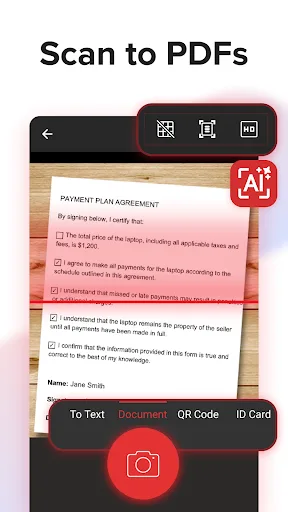
MobiPDF Editor and Scanner gives you a powerful collection of expert tools to quickly and easily view, review, edit, create, and secure PDFs on your phone, wherever you are. 📃 AI-Powered Scan to PDF Experience AI-powered scanning with enhanced edge detection and capture clear…
Pros
- AI-powered scanning with enhanced edge detection for crisp document capture
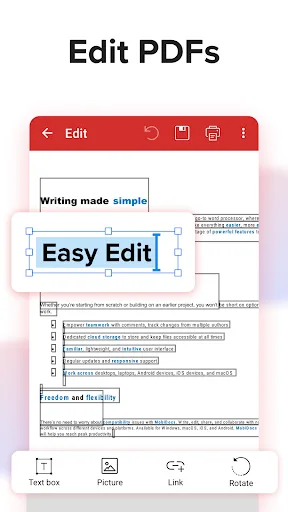
- Comprehensive PDF editing including text, images, and annotations
- Secure PDF features like password protection and digital signatures
- Seamless integration with cloud services (Google Drive, Dropbox, etc.)
- Lightweight app focused solely on PDF tasks, reducing bloat
Cons
- Limited to PDF documents; no support for Word, Excel, or PowerPoint
- Free version includes watermarks on exports
- Some advanced features require a subscription
★ WPS Office – Office Suite, PDF Editor & Document Reader WPS Office is a powerful office suite designed to help you create, edit, read and manage documents efficiently. It supports Word documents, PDF files, Excel spreadsheets and PowerPoint presentations, making it a reliab…
Pros
- All-in-one office suite: edit PDFs, Word, Excel, and PowerPoint files
- Over 500 million installs with a mature, stable platform
- Built-in PDF converter and merger tools
- Free version offers generous features with optional premium upgrades
- Cross-platform sync and support for multiple file formats
Cons
- PDF editing features are less advanced than dedicated PDF apps
- Interface can feel cluttered with multiple office tools
- Some users report ads in the free version
Final Verdict
Our pick: WPS Office-PDF, Word, Sheet
For users whose primary need is robust PDF editing, scanning, and security, Mobi PDF is the clear winner due to its specialized tools and AI features. However, if you require a complete office suite that handles PDFs along with Word, Excel, and PowerPoint files, WPS Office offers better value and versatility. Mobi PDF excels in document-centric tasks with fewer distractions, while WPS Office provides a broader ecosystem. For most users needing both PDF and office document capabilities, WPS Office is the more practical choice. But for dedicated PDF professionals, Mobi PDF stands out.
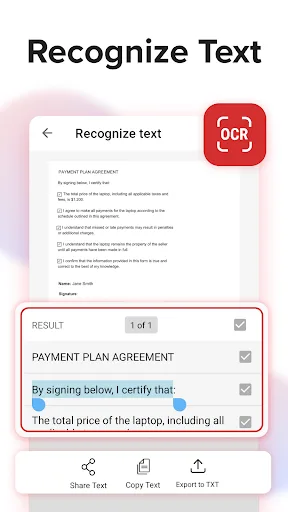
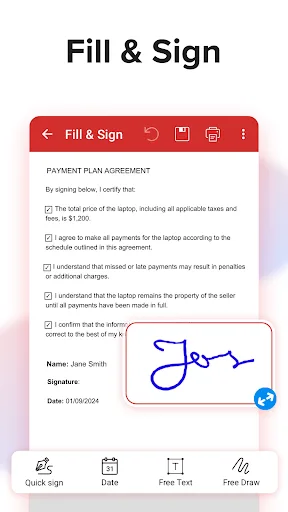
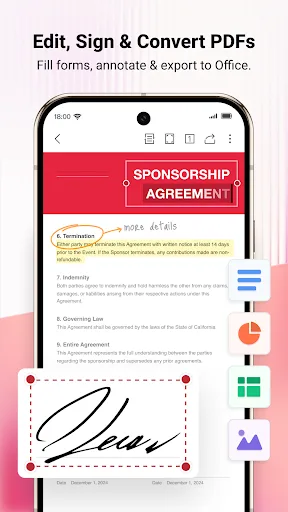
Mobi PDF・Editor・Scanner・Reader Screenshots
Official app screenshots from the Google Play Store.
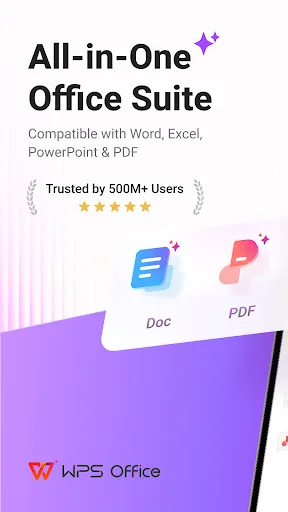
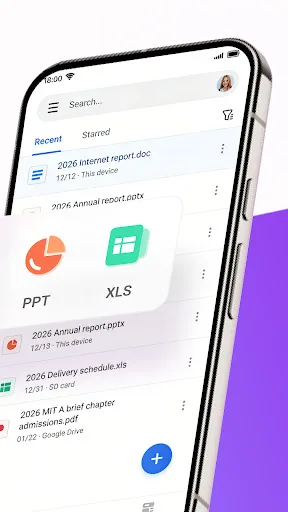
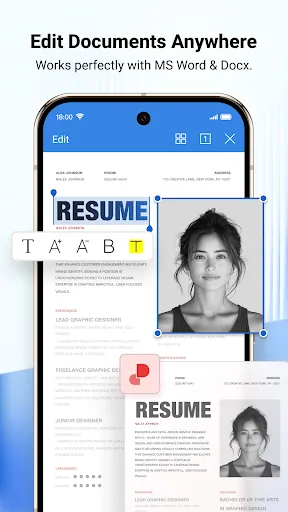
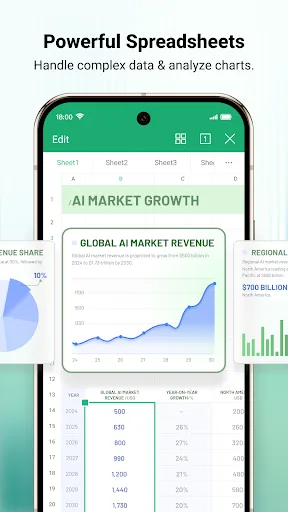
WPS Office-PDF, Word, Sheet Screenshots
Official app screenshots from the Google Play Store.
Frequently Asked Questions
Which app has a higher rating?
Mobi PDF has a slightly higher rating at 4.415 compared to WPS Office's 4.392, but both are highly rated.
Can I use these apps offline?
Both apps offer offline functionality for viewing and editing documents, though some features like cloud sync or AI scanning may require an internet connection.
Do these apps contain ads?
WPS Office's free version includes ads, while Mobi PDF's free version is ad-free but may have watermarks on exported files.
What are the device requirements?
Both apps require Android 5.0 or later and are optimized for phones and tablets. They are available on Google Play with no special hardware requirements.
Which app should I choose for PDF editing?
If PDF editing is your primary need, choose Mobi PDF for its specialized tools. If you need an all-around office suite, go with WPS Office.
Related Comparisons
VS

Mobi PDF vs MobiOffice: Which MobiSystems PDF Tool is Best for You?
 VS
VS
Document Reader vs MobiPDF: Which PDF Tool Reigns Supreme?
 VS
VS
iLovePDF vs Document Reader & PDF Editor: Best PDF Tool for Android
 VS
VS
Xodo vs Document Reader: Best PDF Tool for Android
 VS
VS

PDFgear vs CS PDF Reader: Best Free PDF Editor for Android
 VS
VS