Xodo vs Foxit PDF Editor: Best PDF Tool for Android
Xodo PDF Reader & Editor by Apryse Software is ideal for users who need a robust, free PDF tool for reading, annotating, scanning, and signing documents. Foxit PDF Editor by Foxit Software is better suited for professionals requiring advanced editing, OCR, and AI-powered features. Both apps have over 10 million installs but cater to different workflows.
PDF Reader & Editor: Xodo
Recommended- Rating
- ★ 4.19
- Downloads
- 10,000,000+
- Developer
- Apryse Software Inc.
📄 Xodo — PDF Reader, Scanner & Editor. Manage PDFs for Work, Productivity, and Study Read, edit, annotate, scan, sign, and share PDFs effortlessly in one app with Xodo — a powerful PDF reader scanner and editor built for document management and business workflows. Designed…
Pros
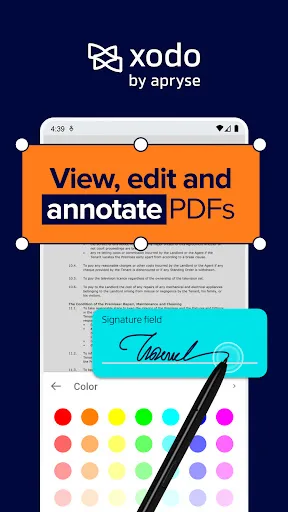
- Completely free core features including annotation, form filling, and signing.
- Seamless integration with cloud services like Google Drive, Dropbox, and OneDrive.
- Fast and smooth PDF rendering even for large files.
- Built-in PDF scanner with automatic cropping and enhancement.
- Supports split-screen multitasking for side-by-side document viewing.
Cons
- No OCR (optical character recognition) for scanned documents.
- Advanced editing features like text reflow are limited compared to paid apps.
- Occasional sync issues with cloud storage when offline.
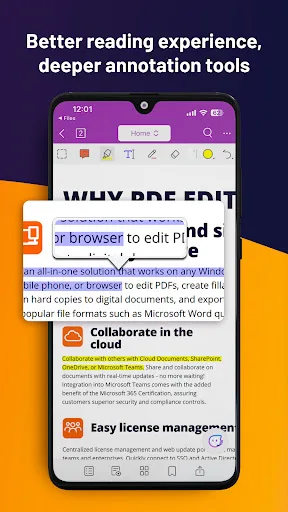
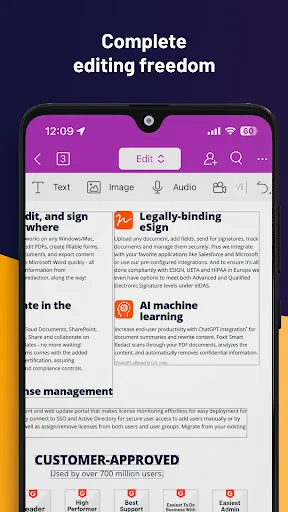
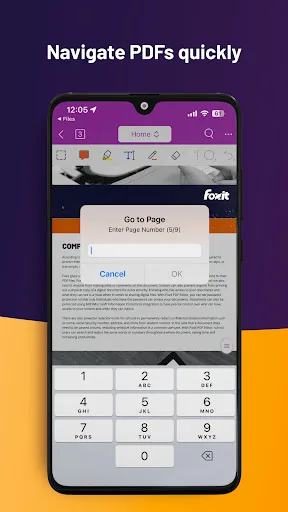
Looking for a versatile PDF editor that you can use anytime, anywhere? Look no further than Foxit PDF Editor mobile app. This easy-to-use PDF editor – trusted by hundreds of millions – allows you to view, edit, and annotate PDF files on Android devices while on the go. The ap…
Pros
- Powerful AI Assistant for summarizing and explaining PDF content.
- Optical Character Recognition (OCR) to convert scanned PDFs into editable text.
- Comprehensive editing tools including text, image, and page manipulation.
- Handwriting recognition for converting handwritten notes to text.
- Supports password protection and document permissions.
Cons
- Many advanced features require a subscription, limiting free functionality.
- User interface can be cluttered and less intuitive for beginners.
- Occasionally slower performance on older devices compared to Xodo.
Final Verdict
Our pick: PDF Reader & Editor: Xodo
For most users, Xodo is the better choice due to its free, comprehensive feature set and high rating. It excels in annotation, form filling, and cloud integration without requiring a subscription. Foxit is best for power users who need OCR, AI assistance, and advanced editing, but its best features are behind a paywall. If you need a reliable, no-cost PDF tool, choose Xodo. If you need enterprise-grade editing, choose Foxit.
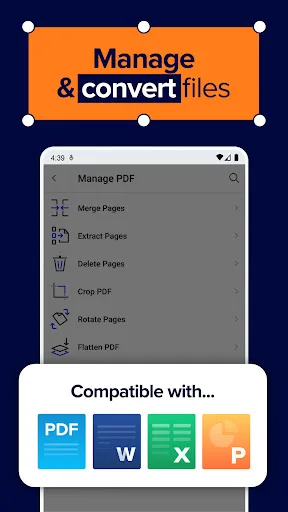
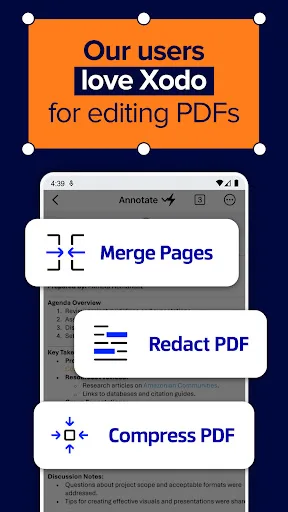
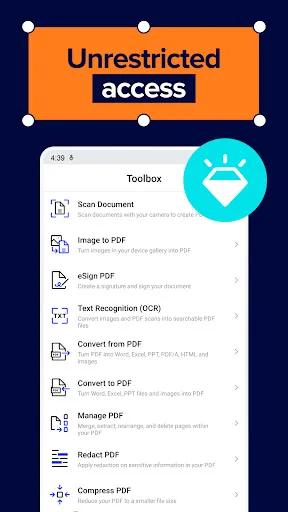
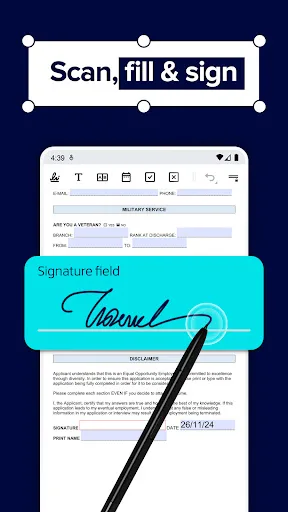
PDF Reader & Editor: Xodo Screenshots
Official app screenshots from the Google Play Store.

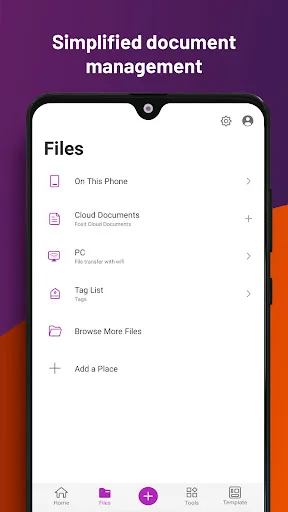
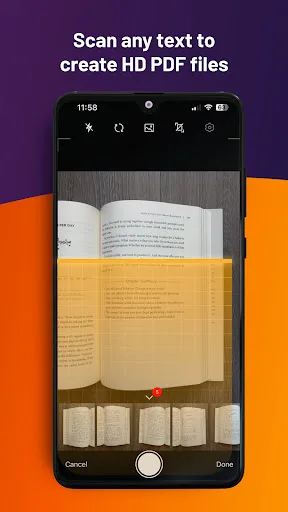
Foxit PDF Editor Screenshots
Official app screenshots from the Google Play Store.
Frequently Asked Questions
Which app has a better rating?
Xodo has a higher rating at 4.19 compared to Foxit's 4.01, based on user reviews.
Can I use these apps offline?
Yes, both apps allow offline viewing and editing of downloaded PDFs. However, cloud sync and some features like AI Assistant require an internet connection.
Do these apps contain ads?
Xodo is ad-free. Foxit may display occasional ads in the free version, but they are not intrusive.
What are the minimum device requirements?
Both apps require Android 5.0 (Lollipop) or higher and at least 2GB of RAM for smooth performance.
Which app should I choose for basic PDF tasks?
For basic tasks like reading, annotating, and signing, Xodo is the better choice as it offers these features for free with a higher user satisfaction rating.
Related Comparisons
 VS
VS

Mobi PDF vs MobiOffice: Which MobiSystems PDF Tool is Best for You?
 VS
VS
Document Reader vs MobiPDF: Which PDF Tool Reigns Supreme?
 VS
VS
iLovePDF vs Document Reader & PDF Editor: Best PDF Tool for Android
VS
Xodo vs Document Reader: Best PDF Tool for Android
 VS
VS

PDFgear vs CS PDF Reader: Best Free PDF Editor for Android
 VS
VS