Xodo vs WPS Office: Best PDF Tool for Your Needs?
Xodo is a dedicated PDF reader, scanner, and editor designed for professionals and students who need robust annotation, signing, and collaboration features. WPS Office is a full-featured office suite that includes PDF editing alongside word processing, spreadsheets, and presentations, making it ideal for users who want an all-in-one productivity solution. While Xodo focuses purely on PDFs with a clean interface, WPS Office offers broader functionality but with a heavier footprint.
PDF Reader & Editor: Xodo
Recommended- Rating
- ★ 4.19
- Downloads
- 10,000,000+
- Developer
- Apryse Software Inc.

WPS Office-PDF, Word, Sheet
- Rating
- ★ 4.38
- Downloads
- 500,000,000+
- Developer
- WPS SOFTWARE PTE. LTD.
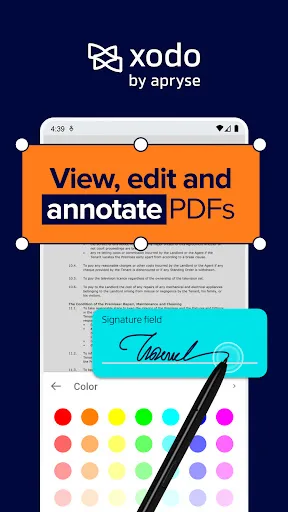
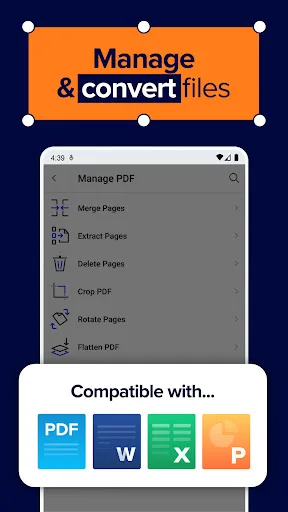
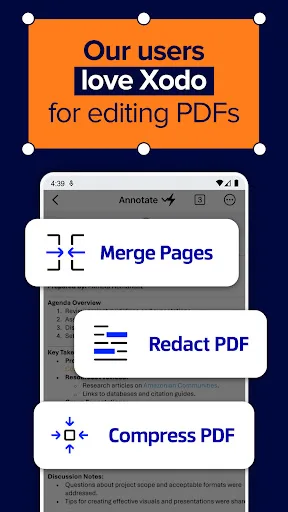
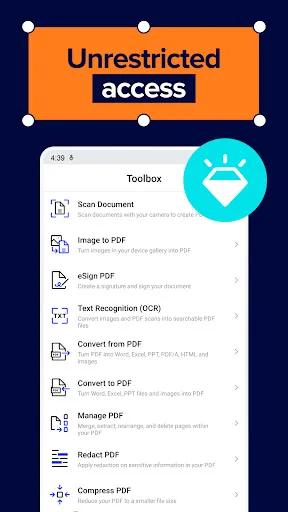
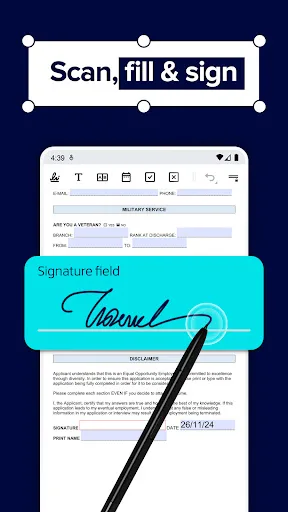
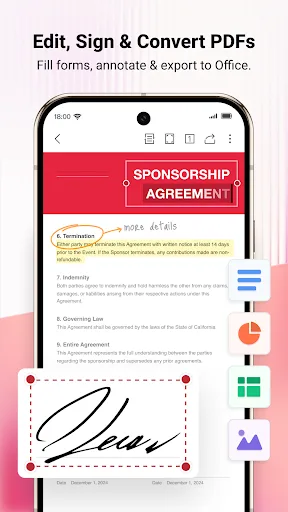
📄 Xodo — PDF Reader, Scanner & Editor. Manage PDFs for Work, Productivity, and Study Read, edit, annotate, scan, sign, and share PDFs effortlessly in one app with Xodo — a powerful PDF reader scanner and editor built for document management and business workflows. Designed…
Pros
- Excellent annotation tools with highlights, underlines, and freehand drawing
- Seamless cloud integration with Google Drive, Dropbox, and OneDrive
- Fast rendering and smooth scrolling even for large PDFs
- Built-in PDF scanner with OCR for converting images to text
- Free to use with no ads and no subscription required for basic features
Cons
- Limited advanced editing features like form creation or OCR editing
- No built-in office suite for Word or Excel documents
- Some advanced features require a paid upgrade
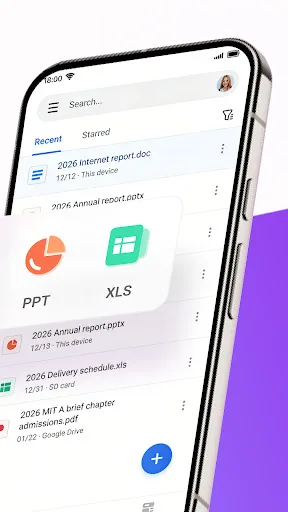
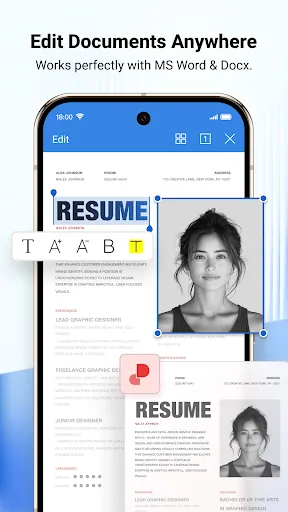
★ WPS Office – Office Suite, PDF Editor & Document Reader WPS Office is a powerful office suite designed to help you create, edit, read and manage documents efficiently. It supports Word documents, PDF files, Excel spreadsheets and PowerPoint presentations, making it a reliab…
Pros
- Complete office suite including Word, Excel, PowerPoint, and PDF editor
- 500M+ installs indicating wide trust and community support
- PDF to Word/Excel conversion with high accuracy
- Lightweight mode for faster performance on low-end devices
- Free version offers generous features with optional subscription
Cons
- Contains ads in the free version which can be intrusive
- Heavier app size and may feel bloated for PDF-only tasks
- Some features like PDF editing are limited without a subscription
Final Verdict
Our pick: PDF Reader & Editor: Xodo
If your primary need is a fast, reliable, and feature-rich PDF editor with excellent annotation tools, Xodo is the better choice due to its specialized focus and lower resource usage. However, if you frequently work with multiple document types and need a complete office suite, WPS Office provides better value with its integrated tools. For pure PDF tasks, Xodo wins on performance and simplicity. For versatility, WPS Office is the winner. Overall, we recommend Xodo for dedicated PDF work.
PDF Reader & Editor: Xodo Screenshots
Official app screenshots from the Google Play Store.
WPS Office-PDF, Word, Sheet Screenshots
Official app screenshots from the Google Play Store.

Frequently Asked Questions
Which app has a higher rating?
WPS Office has a slightly higher rating (4.3876) compared to Xodo (4.1943), but both are well-regarded.
Can I use these apps offline?
Yes, both apps allow offline viewing and editing of PDFs. However, cloud sync and some features require internet.
Do these apps have ads?
Xodo is ad-free in its free version. WPS Office displays ads in the free version, but you can remove them via subscription.
What are the device requirements?
Both apps support Android 5.0 and up. Xodo is lighter (~30MB) while WPS Office is larger (~80MB). Both run smoothly on most modern devices.
Which app should I choose for PDF editing?
For dedicated PDF editing with annotation and signing, choose Xodo. If you need an all-in-one office suite with PDF support, WPS Office is better.
Related Comparisons
 VS
VS

Mobi PDF vs MobiOffice: Which MobiSystems PDF Tool is Best for You?
 VS
VS
Document Reader vs MobiPDF: Which PDF Tool Reigns Supreme?
 VS
VS
iLovePDF vs Document Reader & PDF Editor: Best PDF Tool for Android
VS
Xodo vs Document Reader: Best PDF Tool for Android
 VS
VS

PDFgear vs CS PDF Reader: Best Free PDF Editor for Android
 VS
VS