PDFgear vs Document Reader & PDF Editor: Best Free PDF Tool for Android
PDFgear is a dedicated PDF editor focused on providing a comprehensive set of PDF tools completely free, ideal for users who need advanced editing and annotation features. Document Reader & PDF Editor, on the other hand, is an all-in-one file viewer that supports multiple document formats beyond PDF, making it suitable for users who frequently work with Word, Excel, and PowerPoint files on their Android device.
PDFgear: PDF Editor & Reader
- Rating
- ★ 4.35
- Downloads
- 1,000,000+
- Developer
- PDF GEAR TECH PTE. LTD.
Document Reader & PDF Editor
Recommended- Rating
- ★ 4.57
- Downloads
- 100,000,000+
- Developer
- QR Code Scanner.
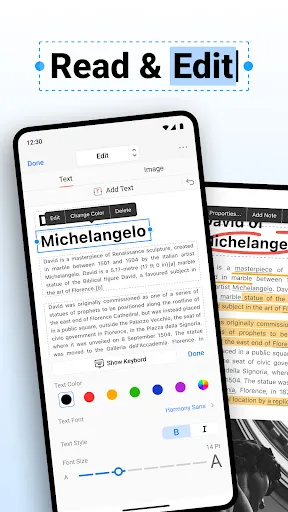
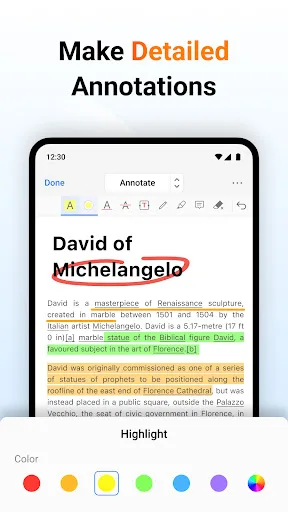
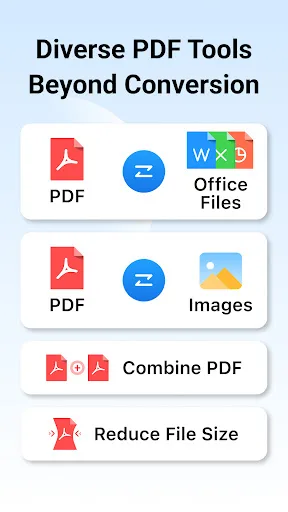
PDFgear is a full-featured and free PDF editor, which provides read, edit, annotation, page management, and print PDF documents. "It's called PDFgear, and it's a holy grail I never thought I'd find." - Digital Trends "PDFgear is a full toolkit for doing pretty much anything you c…
Pros
- Completely free with no watermark or premium upsells
- Advanced PDF editing including text, images, and annotations
- Page management tools like merge, split, and reorder
- OCR support for scanned documents
- Highly praised by tech media outlets
Cons
- Only supports PDF files, no other document formats
- Occasional performance lags with large files
- Limited cloud integration options
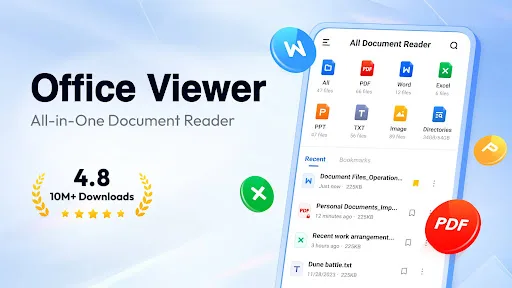
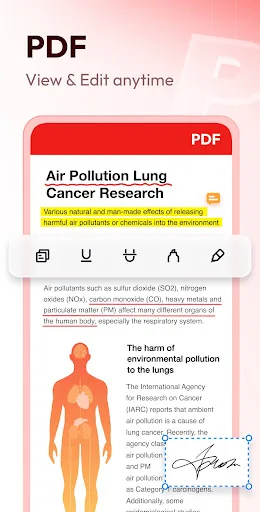
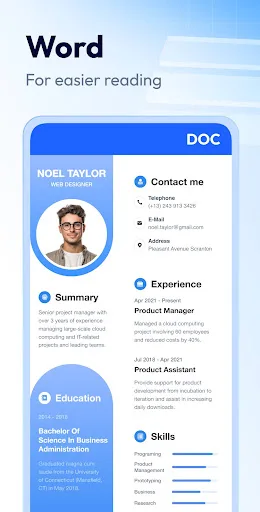
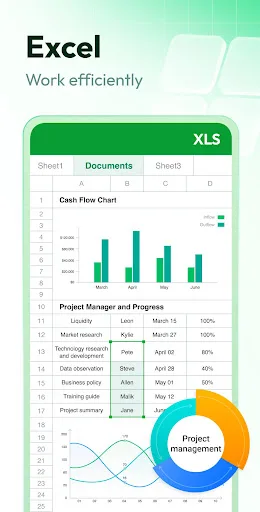
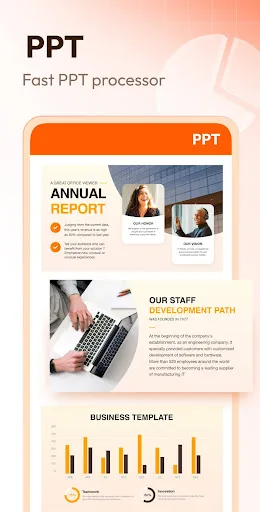
Document Reader is an all-in-one file viewer that helps you read, edit, and manage all your office files with ease. From reviewing lecture notes before an exam to checking work reports on the commute — PDF, WORD, EXCEL, PPT, TXT, etc. are all supported. It's easy to use and com…
Pros
- Supports PDF, Word, Excel, PowerPoint, and TXT files
- Clean interface with easy file organization
- Over 100 million installs indicating reliability
- Fast file loading and smooth navigation
- Built-in file manager for quick access
Cons
- PDF editing features are basic compared to dedicated editors
- Contains ads that can be intrusive
- Some advanced features require in-app purchases
Final Verdict
Our pick: Document Reader & PDF Editor
For users who primarily need a robust PDF editor with no cost, PDFgear is the better choice due to its deep editing capabilities and positive media recognition. However, if you require a versatile document viewer that handles various file types, Document Reader & PDF Editor is more practical. Considering the overall value, features, and user ratings, Document Reader & PDF Editor wins for its broader file support and higher install base, making it a more reliable daily driver for most users.
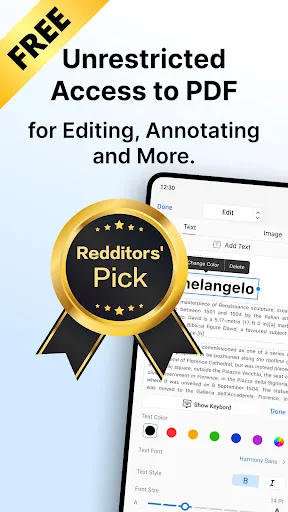
PDFgear: PDF Editor & Reader Screenshots
Official app screenshots from the Google Play Store.
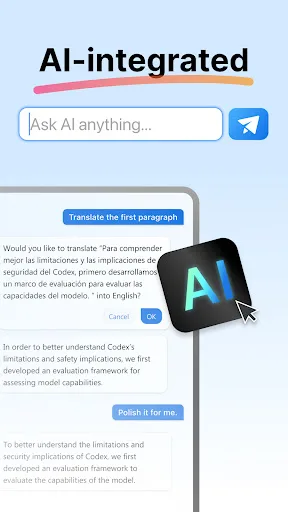
Document Reader & PDF Editor Screenshots
Official app screenshots from the Google Play Store.
Frequently Asked Questions
Which app has a higher rating?
Document Reader & PDF Editor has a higher rating of 4.58 compared to PDFgear's 4.37.
Can I use these apps offline?
Both apps work offline for viewing and editing documents. However, some features like OCR in PDFgear may require an internet connection.
Do these apps contain ads?
PDFgear is ad-free. Document Reader & PDF Editor contains ads, but they can be removed via in-app purchase.
What are the device requirements?
Both apps require Android 5.0 or higher. Document Reader & PDF Editor is optimized for a wide range of devices, while PDFgear may need more RAM for heavy editing.
Which app should I choose for editing PDFs?
For advanced PDF editing, choose PDFgear. For general document viewing and basic editing across multiple formats, choose Document Reader & PDF Editor.
Related Comparisons
 VS
VS

Mobi PDF vs MobiOffice: Which MobiSystems PDF Tool is Best for You?
 VS
VS
Document Reader vs MobiPDF: Which PDF Tool Reigns Supreme?
 VS
VS
iLovePDF vs Document Reader & PDF Editor: Best PDF Tool for Android
 VS
VS
Xodo vs Document Reader: Best PDF Tool for Android
VS

PDFgear vs CS PDF Reader: Best Free PDF Editor for Android
 VS
VS