Photo Editor: Retouch, Enhance vs Google Photos: Best Photo Editing App
Photo Editor: Retouch, Enhance (DoFoto) is designed for users who want advanced AI-powered retouching, face editing, and creative filters for stunning selfies and portraits. Google Photos is ideal for anyone needing robust cloud storage, automatic backup, and basic editing tools integrated with Google AI. If you love detailed face editing and artistic effects, DoFoto is your go-to. For seamless photo management and simple edits, Google Photos excels.
Photo Editor: Retouch, Enhance
- Rating
- ★ 4.68
- Downloads
- 10,000,000+
- Developer
- Photo Editor & AI Art
Google Photos
Recommended- Rating
- ★ 4.40
- Downloads
- 10,000,000,000+
- Developer
- Google LLC
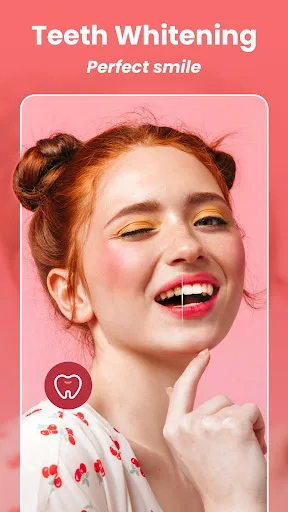
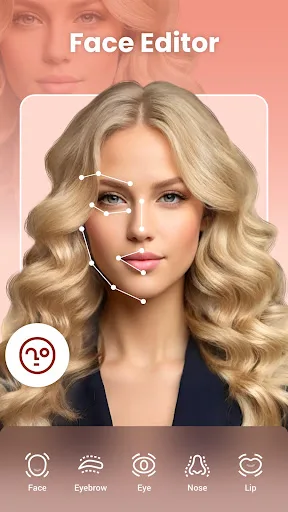
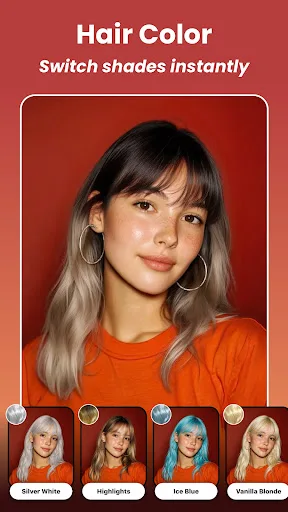
DoFoto is a free all-in-one face photo editing app that helps you create stunning photos with unlimited creativity! As a top free face photo editing app, DoFoto features a powerful AI Retouch & Face Editor for flawless photo retouch, a free AI Photo Enhancer to improve photo qual…
Pros
- Powerful AI retouch and face editor for flawless selfies
- Free AI photo enhancer improves image quality
- Aesthetic filters and AI effects for creative edits
- All-in-one photo editing suite with many tools
- High rating (4.68) with over 10 million installs
Cons
- Limited to photo editing; no cloud storage or backup
- Some advanced features may require in-app purchases
- Less suitable for organizing large photo libraries
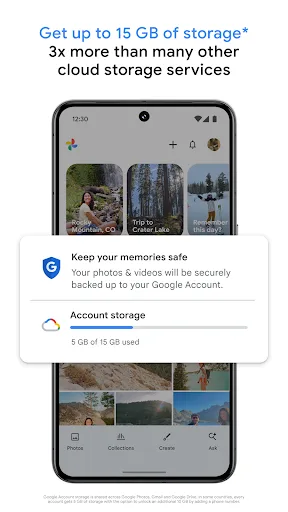
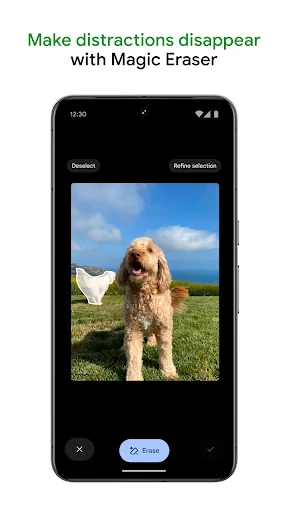
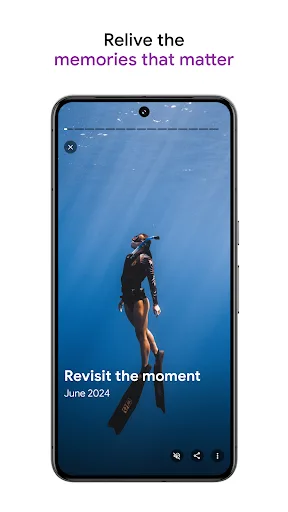
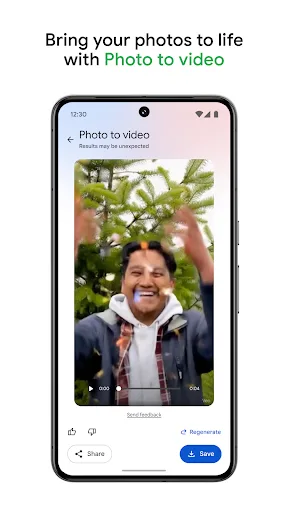
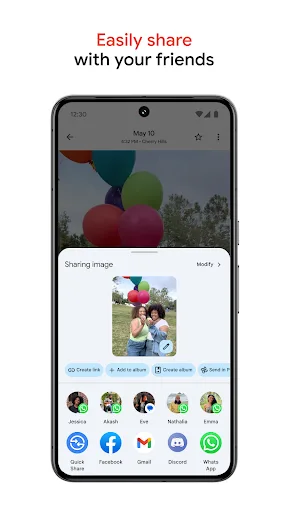
Google Photos is the home for all your photos and videos. Easily store, edit, organize, and search your memories with the help of Google AI. • 15 GB OF CLOUD STORAGE: Every Google account gets up to 15 GB of storage*, 3X more than many other cloud storage services. So you can b…
Pros
- 15GB free cloud storage with automatic backup
- AI-powered search and organization (e.g., people, places)
- Basic editing tools integrated with Google AI
- Works seamlessly across all devices
- Over 10 billion installs, highly reliable
Cons
- Editing features are basic compared to dedicated editors
- Requires internet for full cloud functionality
- Privacy concerns due to cloud storage and AI analysis
Final Verdict
Our pick: Google Photos
Both apps are excellent, but they serve different primary purposes. Google Photos offers unparalleled cloud storage (15GB free), automatic backup, and AI-powered search, making it essential for photo organization and basic edits. Photo Editor: Retouch, Enhance provides specialized AI retouching, face editing, and aesthetic filters for creative, high-quality edits. If you need a dedicated photo editor with advanced AI features, choose Photo Editor: Retouch, Enhance. For an all-in-one solution with storage, management, and editing, Google Photos wins. Overall, Google Photos is recommended for its broader utility, but for serious photo editing, DoFoto is superior.
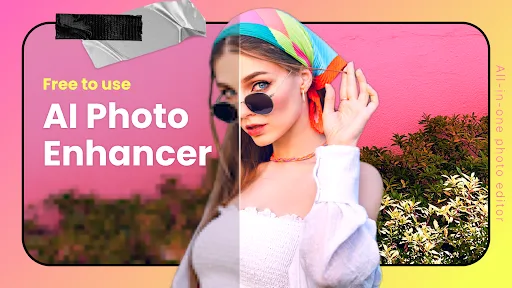
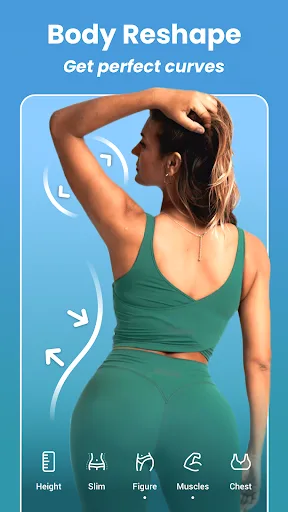
Photo Editor: Retouch, Enhance Screenshots
Official app screenshots from the Google Play Store.
Google Photos Screenshots
Official app screenshots from the Google Play Store.
Frequently Asked Questions
Which app has a higher rating?
Photo Editor: Retouch, Enhance has a rating of 4.68, while Google Photos has 4.40. DoFoto is rated slightly higher.
Can I use these apps offline?
Photo Editor: Retouch, Enhance works offline for editing. Google Photos requires internet for backup and cloud features, but offline editing is available for downloaded photos.
Do these apps contain ads?
Photo Editor: Retouch, Enhance may show ads; Google Photos is ad-free for storage and editing.
What are the device requirements?
Both apps support Android 5.0+ and are optimized for most devices. Google Photos requires Google Play Services.
Which app should I choose for professional editing?
For professional-level editing with AI retouching and face editing, choose Photo Editor: Retouch, Enhance. For basic edits and cloud storage, choose Google Photos.
Related Comparisons
 VS
VS

Collage Maker vs Photoroom: Which Photo Editor Reigns Supreme in 2026
 VS
VS
CapCut vs Photoshop Express: Best Photo Editor for You
 VS
VS
InShot vs Google Photos: Which Photo Editor App Reigns Supreme
VS
Photoroom vs InShot: Best Photo & Video Editor for Android
 VS
VS
Canva vs Photoroom: AI Photo Editor Showdown – Which App Reigns Supreme?
 VS
VS