Photoroom vs Google Photos: Which Photo Editor App is Best for You?
Photoroom is an AI-powered photo editor designed for creating professional product images, perfect for e-commerce sellers, marketers, and social media managers. Google Photos is a comprehensive photo management and editing app for everyday users who want to store, organize, and enhance their personal memories. Both apps offer AI-driven tools but cater to different audiences and use cases.

Photoroom: AI Photo Editor
Recommended- Rating
- ★ 4.67
- Downloads
- 100,000,000+
- Developer
- Photoroom AI Photo Editor
Create pro images that sell with Photoroom AI. Photoroom’s AI technology makes it easy to design, edit, and erase any background from your photos. Create professional-quality images that elevate your brand, boost engagement, and drive sales—all with the help of an intuitive e…
Pros
- AI-powered background removal and replacement
- Vast library of templates for product photos
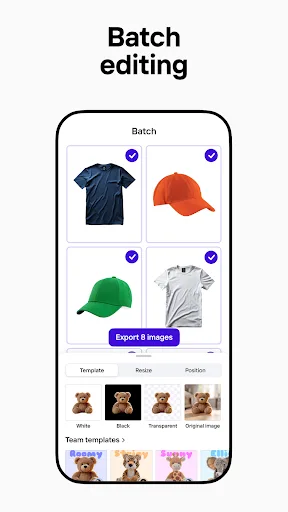
- Batch editing capabilities for multiple images
- Easy-to-use interface optimized for e-commerce
- Real-time collaboration features for teams
Cons
- Limited free version with watermarked exports
- No cloud storage or backup features
- Not ideal for general photo management or personal albums
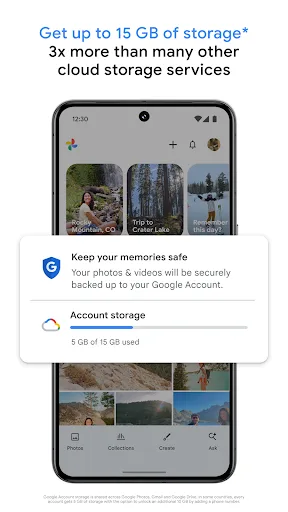
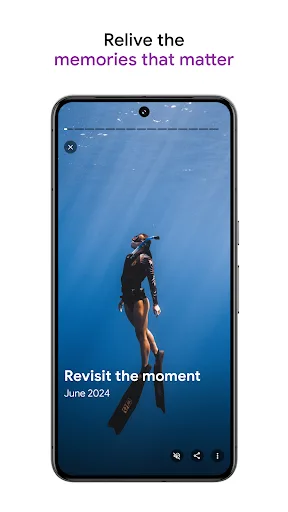
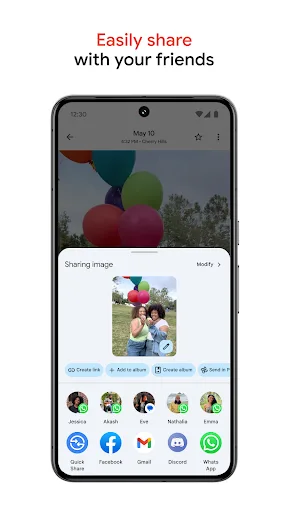
Google Photos is the home for all your photos and videos. Easily store, edit, organize, and search your memories with the help of Google AI. • 15 GB OF CLOUD STORAGE: Every Google account gets up to 15 GB of storage*, 3X more than many other cloud storage services. So you can b…
Pros
- 15GB free cloud storage with automatic backup
- Powerful AI search for people, places, and objects
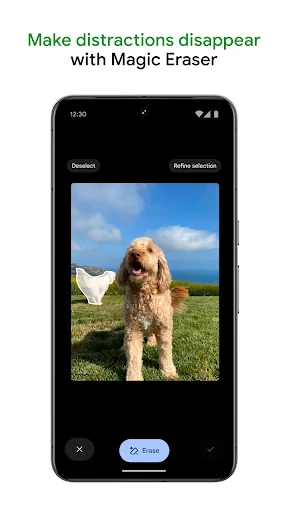
- Built-in editing tools with suggestions
- Seamless integration with Google ecosystem
- Free unlimited storage for compressed photos
Cons
- Editing tools are basic compared to dedicated editors
- Requires Google account and internet for full features
- Privacy concerns due to data analysis for search and suggestions
Final Verdict
Our pick: Photoroom: AI Photo Editor
For users focused on creating polished, product-oriented images quickly, Photoroom is the clear winner with its specialized background removal and design templates. However, for general photo management, editing, and cloud backup, Google Photos offers a more well-rounded experience with its vast storage and organizational features. If you need a dedicated tool for professional-looking product photos, choose Photoroom. If you want an all-in-one solution for storing and editing personal photos, Google Photos is better. Ultimately, the best choice depends on your primary use case.
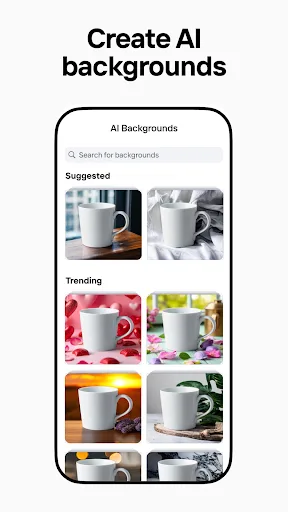
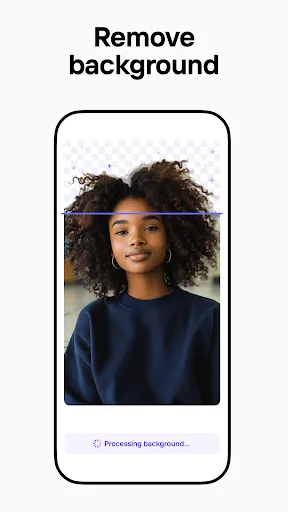
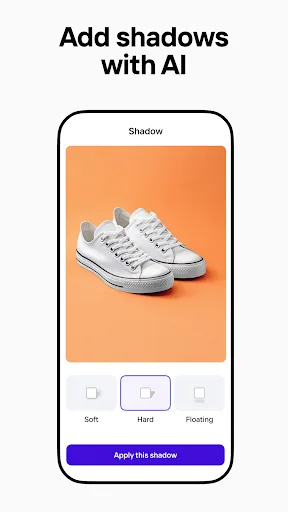
Photoroom: AI Photo Editor Screenshots
Official app screenshots from the Google Play Store.


Google Photos Screenshots
Official app screenshots from the Google Play Store.

Frequently Asked Questions
What are the ratings of Photoroom and Google Photos?
Photoroom has a rating of 4.668973, while Google Photos has a rating of 4.40183. Both are highly rated, but Photoroom edges ahead slightly in user satisfaction.
Can I use these apps offline?
Photoroom requires an internet connection for many AI features, though basic editing may work offline. Google Photos offers offline viewing of downloaded photos, but backup and AI features need connectivity.
Do these apps contain ads?
Photoroom has a free version with watermarks and may show prompts to upgrade; no third-party ads. Google Photos is ad-free for personal use, but business accounts may see promotional content.
What are the device requirements?
Both apps require Android 5.0 or later. Photoroom works best with devices that have a good camera and sufficient RAM for AI processing. Google Photos runs smoothly on most devices but may consume storage for cached data.
Which app should I choose for professional product photos?
For professional product photos, Photoroom is the better choice due to its specialized background removal, templates, and batch editing. Google Photos is more suited for personal photo management and casual edits.
Related Comparisons
 VS
VS
Collage Maker vs Photoroom: Which Photo Editor Reigns Supreme in 2026
 VS
VS
CapCut vs Photoshop Express: Best Photo Editor for You
 VS
VS
InShot vs Google Photos: Which Photo Editor App Reigns Supreme
VS
Photoroom vs InShot: Best Photo & Video Editor for Android
 VS
VS
Canva vs Photoroom: AI Photo Editor Showdown – Which App Reigns Supreme?
 VS
VS