Samsung My Files vs X-plore File Manager: Which File Manager App Wins?
Samsung My Files is a pre-installed file manager designed for Samsung users, offering seamless integration with One UI and cloud storage. X-plore File Manager is a powerful third-party explorer with dual-pane tree view and extensive protocol support. My Files suits casual users who need basic file operations, while X-plore is for power users requiring root access, FTP, and advanced network features.
Samsung My Files
- Rating
- ★ 4.05
- Downloads
- 5,000,000,000+
- Developer
- Samsung Electronics Co., Ltd.

X-plore File Manager
Recommended- Rating
- ★ 4.38
- Downloads
- 10,000,000+
- Developer
- Lonely Cat Games
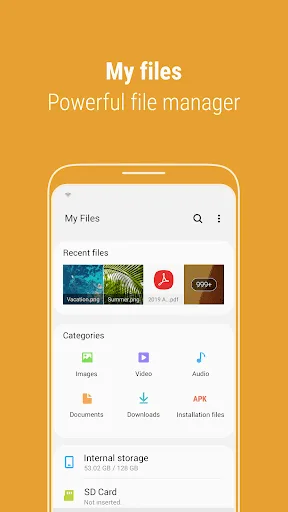
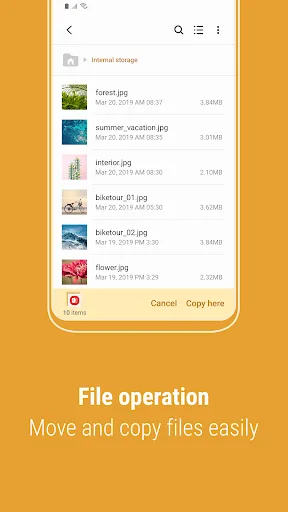
[Introducing My Files] "My Files" manages all the files on your smartphone, just like a file explorer on your computer. You can also manage files stored on SD cards, USB drives and files in the cloud storage connected with your smartphone at the same time. Download and experience…
Pros
- Pre-installed on Samsung devices, no download needed
- Clean, intuitive interface aligned with One UI
- Supports SD cards, USB drives, and cloud storage (Google Drive, OneDrive, etc.)
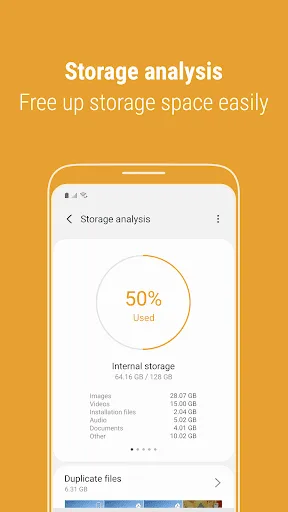
- Storage analysis feature to free up space easily
- Regular updates from Samsung with new features
Cons
- Limited to basic file operations; no root or advanced network protocols
- Only available on Samsung devices; not for other Android phones
- Advertisements in the free version can be intrusive
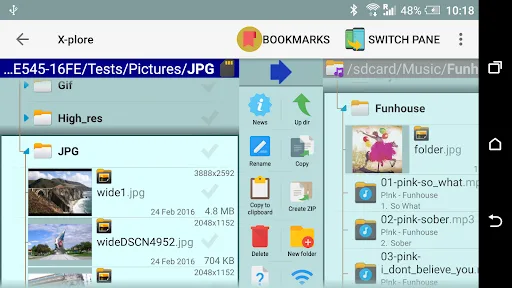
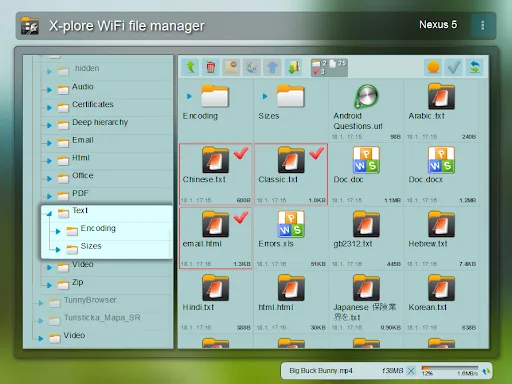
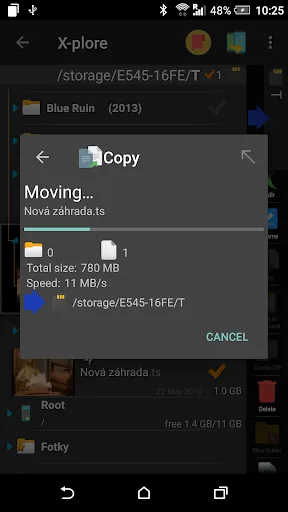
Application manual: www.lonelycatgames.com/docs/xplore Highlights: ● Dual-pane tree view ● Root, FTP, SMB1 / SMB2, Sqlite, Zip, Rar, 7zip, DLNA/UPnP explorer ● Disk Map - see which files consume most space on your disk - http://bit.ly/xp-disk-map ● Cloud storage access: G…
Pros
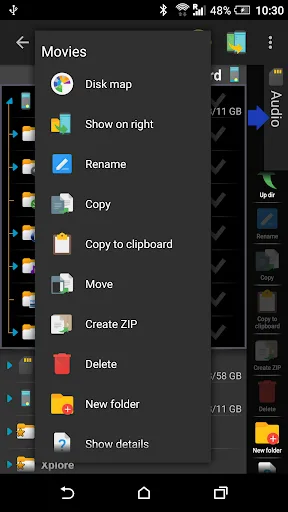
- Dual-pane tree view for efficient file management
- Supports root, FTP, SMB1/SMB2, SFTP, SSH Shell, and DLNA/UPnP
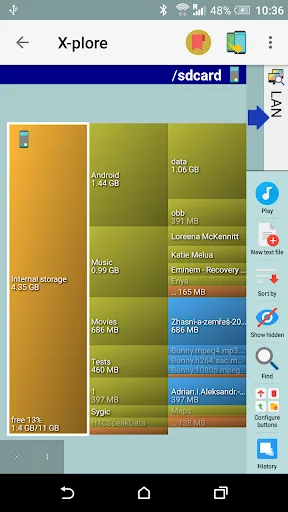
- Disk Map visualization to identify large files
- Access to multiple cloud services: Google Drive, OneDrive, Dropbox, Box, Webdav
- Handles archives: Zip, Rar, 7zip, and more
Cons
- User interface can be complex for beginners
- Free version contains ads; requires in-app purchase to remove
- No built-in media player or document viewer
Final Verdict
Our pick: X-plore File Manager
For most users, X-plore File Manager is the better choice due to its superior feature set, including dual-pane browsing, root explorer, and support for multiple cloud and network protocols. While Samsung My Files offers a clean interface and tight integration with Samsung devices, it lacks advanced tools like disk maps and SSH. X-plore's higher rating (4.38 vs 4.05) reflects its versatility. However, if you only need simple file management and own a Samsung phone, My Files is sufficient. We recommend X-plore for anyone seeking a comprehensive file manager.
Samsung My Files Screenshots
Official app screenshots from the Google Play Store.
X-plore File Manager Screenshots
Official app screenshots from the Google Play Store.
Frequently Asked Questions
Which app has higher ratings?
X-plore File Manager has a higher rating of 4.38 compared to Samsung My Files' 4.05, based on user reviews.
Can I use these apps offline?
Both apps work offline for local file management. However, cloud and network features require an internet connection.
Do these apps include ads?
Yes, both have ads in their free versions. Samsung My Files shows occasional ads, while X-plore displays ads that can be removed via in-app purchase.
What are the device requirements?
Samsung My Files requires a Samsung device with Android 5.0+. X-plore File Manager works on any Android device running Android 4.0+.
Which one should I choose?
Choose Samsung My Files if you have a Samsung phone and need a simple, pre-installed solution. Choose X-plore if you want advanced features like root access, dual-pane browsing, and network protocols.
Related Comparisons
 VS
VS
Xender vs Files by Google: Which File Manager & Transfer App Wins in 2026
 VS
VS

Google Drive vs Dropbox: The Ultimate File Manager Showdown
 VS
VS
Solid Explorer vs Google Drive: Best File Manager for Android
 VS
VS
Cx File Explorer vs Solid Explorer: Which File Manager Reigns Supreme?
VS
Cx File Explorer vs Samsung My Files: Which File Manager Reigns Supreme?
VS