TickTick vs Notion: Which Productivity Powerhouse Reigns Supreme
TickTick is a dedicated task manager with a rich feature set including calendars, habits, and Pomodoro timers, ideal for individuals who want a focused to-do list experience. Notion is a versatile all-in-one workspace that combines notes, tasks, wikis, and AI assistance, perfect for those who need a customizable platform for both personal and team collaboration. Whether you're a list lover or a note-taking enthusiast, this comparison will help you decide.

TickTick:To Do List & Calendar
Recommended- Rating
- ★ 4.59
- Downloads
- 10,000,000+
- Developer
- TickTick Limited
Notion: Notes, Tasks, AI
- Rating
- ★ 4.58
- Downloads
- 10,000,000+
- Developer
- Notion Labs, Inc.
🥇 Great to-do list app for new Android device - The Verge 🥇 The best to-do app for Android - MakeUseOf 🥇 The best to-do list app for 2020 - Wirecutter (A New York Times Company) 🙌 MKBHD's favorite productivity tool TickTick is your personal productivity powerhouse, ex…
Pros
- Comprehensive task management with tags, priorities, and subtasks
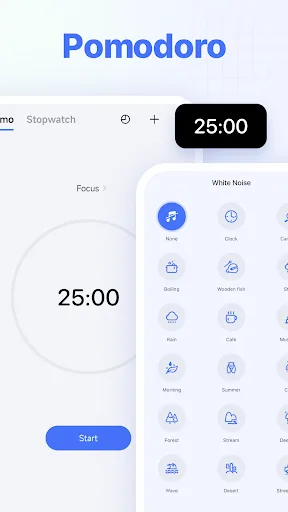
- Built-in Pomodoro timer and habit tracker
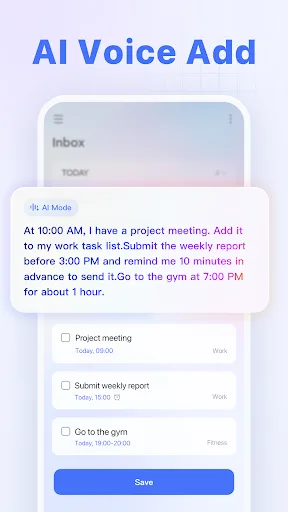
- Powerful natural language input for quick task creation
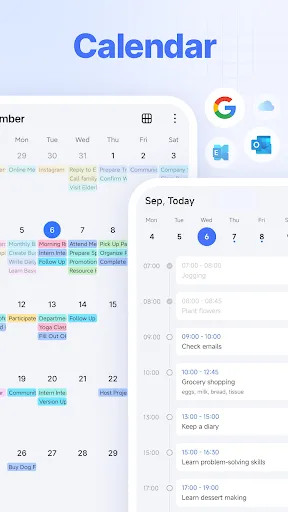
- Excellent calendar integration with multiple views
- Fast performance and reliable cross-platform sync
Cons
- Limited note-taking capabilities compared to dedicated apps
- Free version has some feature restrictions (e.g., custom filters)
- No built-in AI assistance for writing or summarization
Notion is an AI-powered all-in-one workspace that helps individuals and teams write notes, manage tasks, organize projects, and collaborate in one place. Whether you’re tracking personal to-do lists, writing and organizing class notes, or managing projects with a team, Notion h…
Pros
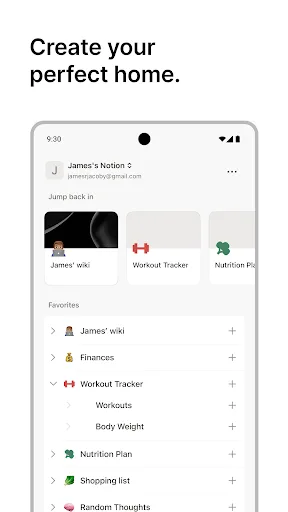
- Highly customizable all-in-one workspace for notes, tasks, and databases
- AI-powered features for writing, summarization, and idea generation
- Excellent collaboration tools for teams and shared projects
- Rich template gallery for various use cases
- Strong knowledge base and wiki capabilities
Cons
- Steep learning curve due to complexity and flexibility
- Performance can lag with large or complex databases
- Mobile app is less intuitive and slower than desktop version
Final Verdict
Our pick: TickTick:To Do List & Calendar
For most users seeking a straightforward, powerful task management app, TickTick is the clear winner due to its superior task-focused features, intuitive design, and robust cross-platform sync. However, if you need a flexible workspace that blends note-taking, project management, and databases, Notion is unbeatable. TickTick excels in speed and simplicity for daily task tracking, while Notion offers unparalleled customization for complex workflows. Ultimately, the choice depends on whether you prioritize task efficiency or all-in-one versatility.
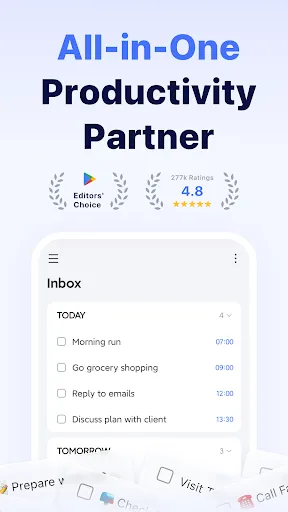
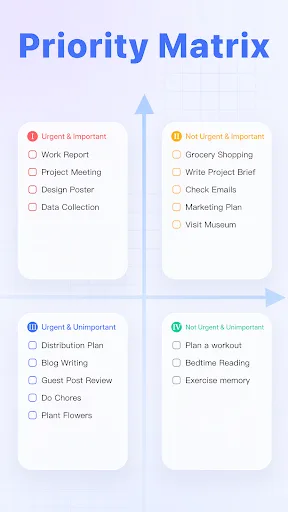
TickTick:To Do List & Calendar Screenshots
Official app screenshots from the Google Play Store.
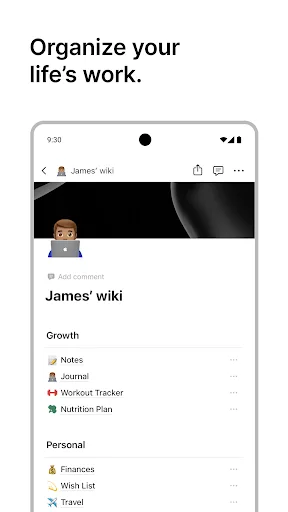
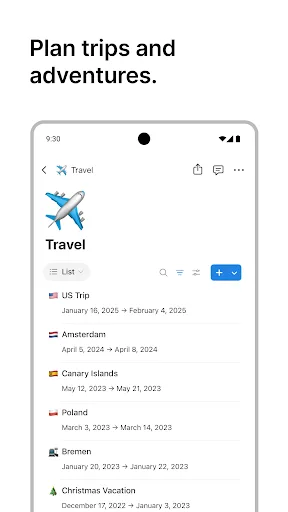
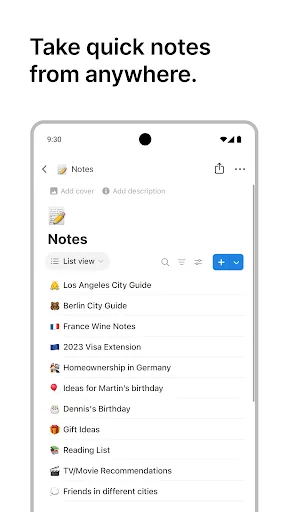
Notion: Notes, Tasks, AI Screenshots
Official app screenshots from the Google Play Store.
Frequently Asked Questions
Which app has a higher rating?
TickTick has a slightly higher rating of 4.594 compared to Notion's 4.568, both out of 5. Both are highly rated by users.
Can I use these apps offline?
Yes, both TickTick and Notion support offline access. TickTick allows full task management offline, while Notion lets you view and edit recent pages offline with sync when reconnected.
Do these apps contain ads?
Neither TickTick nor Notion display ads. Both are ad-free, with revenue coming from premium subscriptions.
What are the device requirements?
Both apps require Android 5.0 or later and are optimized for phones and tablets. Notion may require more storage for offline pages and databases.
Which app should I choose for personal task management?
If you primarily need a robust to-do list and calendar app, choose TickTick. If you want a flexible workspace that also handles notes and projects, choose Notion.
Related Comparisons
 VS
VS

Any.do vs Google Keep: Which Productivity App Reigns Supreme?
 VS
VS
Microsoft To Do vs Google Keep: Which Productivity App Reigns Supreme?
 VS
VS
Microsoft 365 Copilot vs Any.do: Which Productivity App Reigns Supreme
 VS
VS
Forest vs Microsoft To Do: Productivity Showdown – Focus Timer vs Task Manager
 VS
VS
To-Do List & Daily Planner vs TickTick: Which Productivity Powerhouse Reigns Supreme?
 VS
VS