InShot vs CapCut: Which Video Editor Reigns Supreme
InShot is a veteran video editing app known for its all-in-one approach, perfect for social media influencers and vloggers who need quick, polished edits. CapCut, developed by Bytedance, is a feature-rich editor with advanced tools like auto captions and motion tracking, ideal for creators aiming for viral content on TikTok and beyond. Both apps cater to different user bases, with InShot focusing on simplicity and CapCut on cutting-edge features.

Video Editor & Maker - InShot
- Rating
- ★ 4.84
- Downloads
- 500,000,000+
- Developer
- InShot Video Editor

CapCut - Video Editor
Recommended- Rating
- ★ 3.56
- Downloads
- 1,000,000,000+
- Developer
- Bytedance Pte. Ltd.
InShot - Powerful all-in-one Video Editor and Video Maker with professional features. Add music, text, transition effects for videos, make smooth slow motion, make video collage, blur background and etc! As an easy-to-use editing app, InShot makes creating vlogs a breeze and help…
Pros
- Intuitive interface designed for quick edits
- Excellent all-in-one tool with video, photo, and collage features
- High-quality music library and sound effects
- Smooth slow-motion and speed control
- Direct sharing to major social platforms
Cons
- Watermark on free version
- Limited advanced features like keyframe animation
- Occasional ads in free version
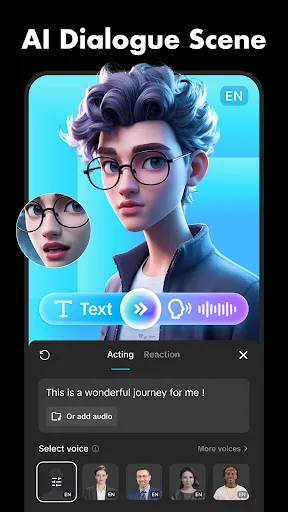
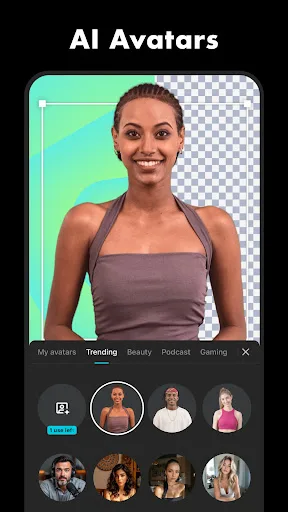
CapCut offers easy-to-use video editing functions, in-APP fonts and effects, advanced features such as keyframe animation, smooth slow-motion, chroma key, and stabilization, to help you capture and snip moments. Create fancy videos with other unique features: auto captions, text-…
Pros
- Advanced features like auto captions and text-to-speech
- Keyframe animation and chroma key for professional edits
- Motion tracking and background removal tools
- No watermark on exported videos
- Regular updates with trending effects and templates
Cons
- Steeper learning curve for beginners
- Some features require internet connection
- Can be resource-intensive on older devices
Final Verdict
Our pick: CapCut - Video Editor
For most users, CapCut is the better choice due to its advanced features, higher install base, and seamless integration with trending platforms. Its auto captions, motion tracking, and keyframe animation offer more creative control for free. InShot remains a solid option for beginners or those who prefer a straightforward interface with reliable performance. However, CapCut's superior feature set and constant updates make it the winner for anyone serious about video editing.
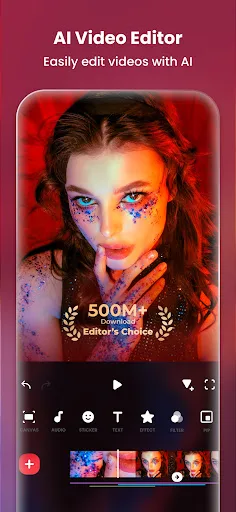
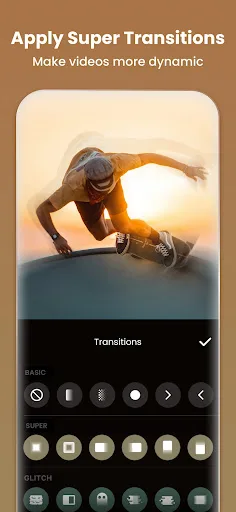
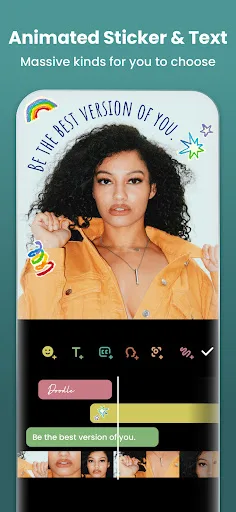
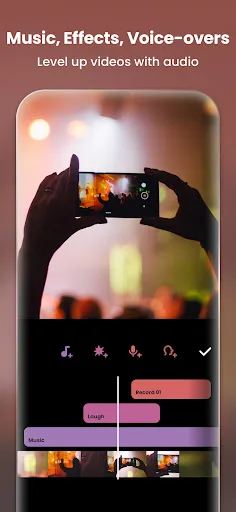
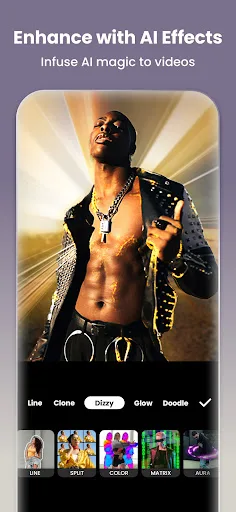
Video Editor & Maker - InShot Screenshots
Official app screenshots from the Google Play Store.
CapCut - Video Editor Screenshots
Official app screenshots from the Google Play Store.
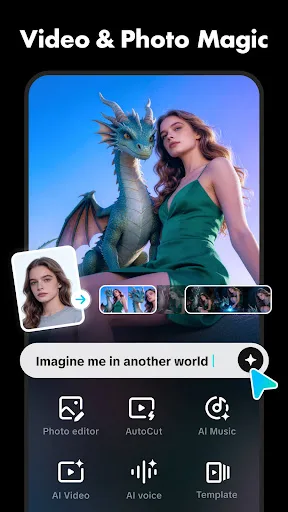
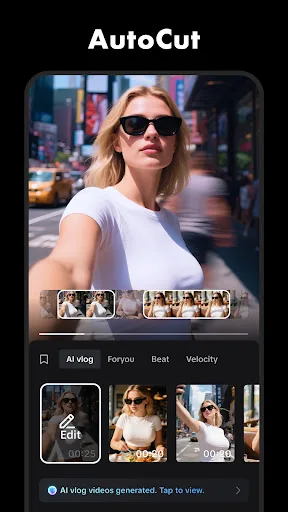
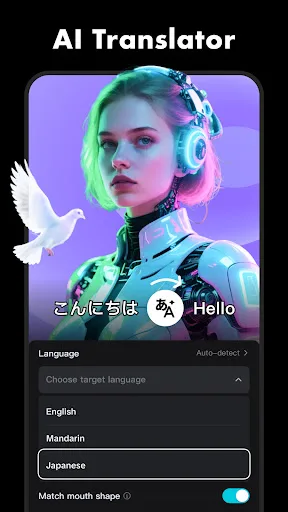
Frequently Asked Questions
Which app has better ratings?
InShot has a higher rating of 4.84 compared to CapCut's 3.56, but CapCut has more installs (1 billion+ vs 500 million+). Ratings may reflect user expectations; CapCut's lower rating is partly due to its complexity and occasional bugs.
Can I use these apps offline?
Yes, both apps offer core editing features offline. However, CapCut requires internet for some features like auto captions and effects downloads. InShot works fully offline except for music downloads.
Do these apps contain ads?
InShot has ads in the free version, but they are not intrusive. CapCut is ad-free, which is a major advantage for uninterrupted editing.
What are the device requirements?
Both apps require Android 5.0 or later. CapCut may need more RAM and processing power for advanced features like motion tracking. InShot runs smoothly on mid-range devices.
Which app should I choose?
Choose InShot if you want simplicity and quick edits for social media. Choose CapCut if you need advanced tools like auto captions, keyframes, and motion tracking for professional-looking videos.
Related Comparisons
 VS
VS

Collage Maker vs Photoroom: Which Photo Editor Reigns Supreme in 2026
VS
CapCut vs Photoshop Express: Best Photo Editor for You
VS

InShot vs Google Photos: Which Photo Editor App Reigns Supreme
VS
Photoroom vs InShot: Best Photo & Video Editor for Android
 VS
VS
Canva vs Photoroom: AI Photo Editor Showdown – Which App Reigns Supreme?
 VS
VS