WPS Office vs Document Reader: Best PDF Tool for Android
WPS Office is a full-featured office suite ideal for professionals and students who need to create, edit, and manage Word, PDF, Excel, and PowerPoint files. Document Reader is a lightweight, all-in-one file viewer perfect for users who primarily need to open and read various document formats quickly without editing capabilities.

WPS Office-PDF, Word, Sheet
Recommended- Rating
- ★ 4.38
- Downloads
- 500,000,000+
- Developer
- WPS SOFTWARE PTE. LTD.
Document Reader - PDF Editor
- Rating
- ★ 4.73
- Downloads
- 50,000,000+
- Developer
- Simple Design Ltd.
★ WPS Office – Office Suite, PDF Editor & Document Reader WPS Office is a powerful office suite designed to help you create, edit, read and manage documents efficiently. It supports Word documents, PDF files, Excel spreadsheets and PowerPoint presentations, making it a reliab…
Pros
- Comprehensive office suite with PDF, Word, Excel, and PowerPoint support
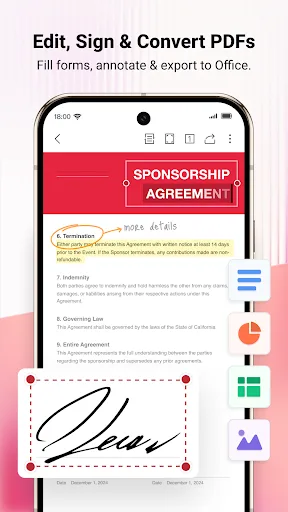
- Advanced PDF editing tools including annotation, merge, and split
- Cloud integration with Google Drive, Dropbox, and OneDrive
- Over 500 million installs with proven reliability
- Free to use with optional premium features
Cons
- Contains ads in the free version
- Some advanced features require a subscription
- App size is relatively large (over 100 MB)
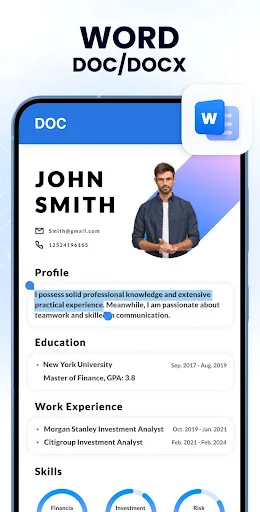
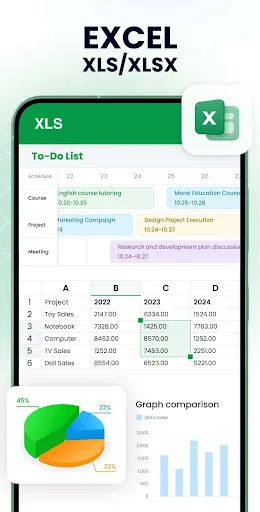
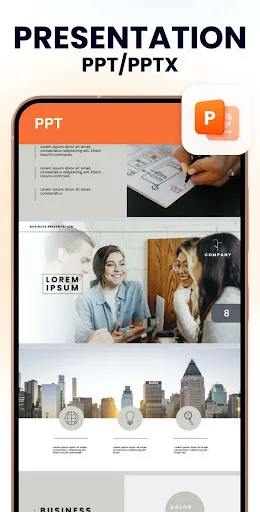
Want to quickly open all formats of files on your phone with just ONE app anytime, anywhere? Try All Document Reader! This all-in-one file viewer is perfectly compatible with all Office files, helping you easily process files in all formats, such as PDF, DOC, DOCX, XLS, XLXS, PPT…
Pros
- Ultra-lightweight app (under 10 MB) and fast loading
- Supports all major document formats: PDF, DOC, DOCX, XLS, XLSX, PPT, TXT
- Completely free with no subscription required
- Clean, simple interface focused on reading
- Automatic file scanning for easy access
Cons
- No editing capabilities for documents
- Limited PDF features (view only, no annotation or fill forms)
- Developer is less established with fewer updates
Final Verdict
Our pick: WPS Office-PDF, Word, Sheet
For users who require robust editing features and a complete office suite, WPS Office is the clear winner. However, if you only need a fast, simple reader for multiple file formats and prefer a clutter-free experience, Document Reader is an excellent choice. Overall, WPS Office offers more value with its comprehensive tools, higher install base, and reliable performance. We recommend WPS Office for most users.
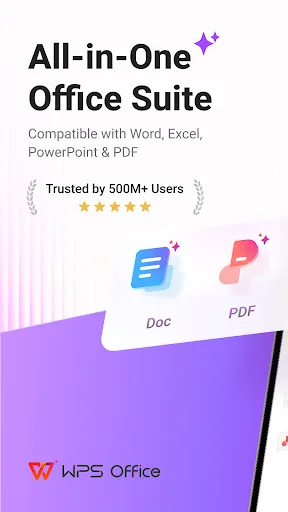
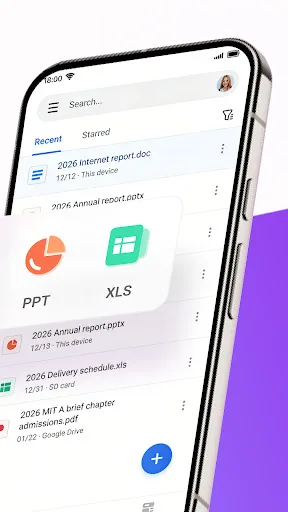
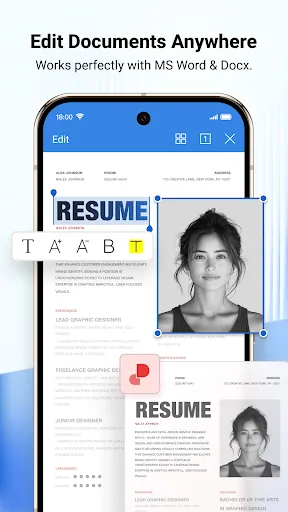
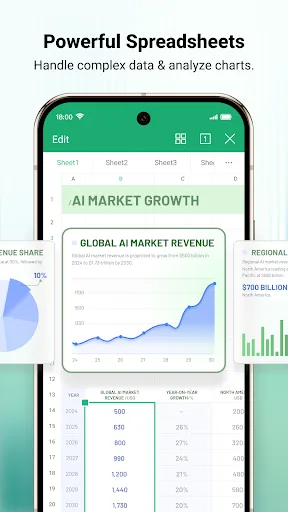
WPS Office-PDF, Word, Sheet Screenshots
Official app screenshots from the Google Play Store.
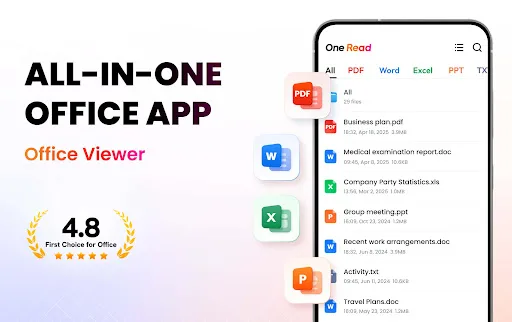
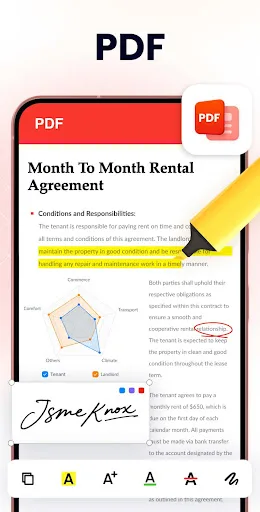
Document Reader - PDF Editor Screenshots
Official app screenshots from the Google Play Store.
Frequently Asked Questions
Which app has a higher rating?
Document Reader has a slightly higher rating of 4.736 compared to WPS Office's 4.387, but ratings are based on different volumes of reviews.
Can I use these apps offline?
Both apps work offline for viewing and basic editing. WPS Office requires internet for cloud features, while Document Reader works fully offline.
Do these apps contain ads?
WPS Office displays ads in the free version, which can be removed via subscription. Document Reader is ad-free.
What are the minimum device requirements?
WPS Office requires Android 5.0+ and about 150 MB free space. Document Reader requires Android 4.4+ and under 10 MB space.
Which app should I choose?
Choose WPS Office if you need to edit PDFs or create documents. Choose Document Reader if you only need a fast, lightweight viewer for reading files.
Related Comparisons
 VS
VS

Mobi PDF vs MobiOffice: Which MobiSystems PDF Tool is Best for You?
VS
Document Reader vs MobiPDF: Which PDF Tool Reigns Supreme?
 VS
VS
iLovePDF vs Document Reader & PDF Editor: Best PDF Tool for Android
 VS
VS
Xodo vs Document Reader: Best PDF Tool for Android
 VS
VS

PDFgear vs CS PDF Reader: Best Free PDF Editor for Android
 VS
VS