WPS Office vs PDF Reader: Best PDF Tool for Android
WPS Office is a full-featured office suite ideal for users who need to create and edit Word, Excel, and PowerPoint documents alongside PDFs, with over 500 million installs. PDF Reader is a lightweight, AI-powered viewer focused on reading, annotating, and converting PDFs, with 100 million installs. Choose WPS Office if you need an all-in-one productivity hub; pick PDF Reader if you primarily view and edit PDFs with ease.

WPS Office-PDF, Word, Sheet
Recommended- Rating
- ★ 4.38
- Downloads
- 500,000,000+
- Developer
- WPS SOFTWARE PTE. LTD.
PDF Reader - PDF Viewer
- Rating
- ★ 4.22
- Downloads
- 100,000,000+
- Developer
- QR Code Scanner.
★ WPS Office – Office Suite, PDF Editor & Document Reader WPS Office is a powerful office suite designed to help you create, edit, read and manage documents efficiently. It supports Word documents, PDF files, Excel spreadsheets and PowerPoint presentations, making it a reliab…
Pros
- Comprehensive office suite: Word, Excel, PowerPoint, and PDF in one app
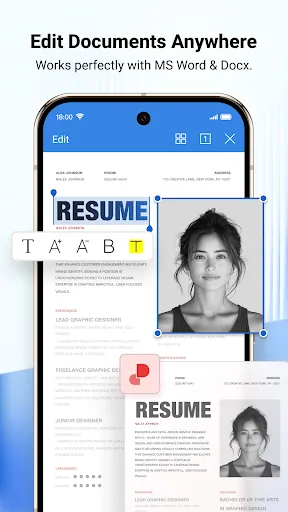
- Advanced PDF editing: edit text, images, and annotations
- Cloud integration with Google Drive, Dropbox, and more
- High rating (4.39) and over 500 million installs
- Free version offers extensive features without ads
Cons
- Some advanced features require a subscription
- App size is larger due to full suite functionality
- Occasional performance lag on older devices
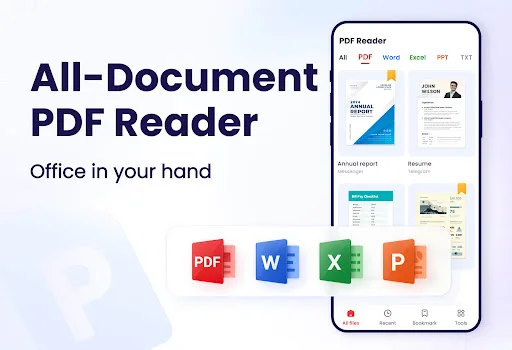
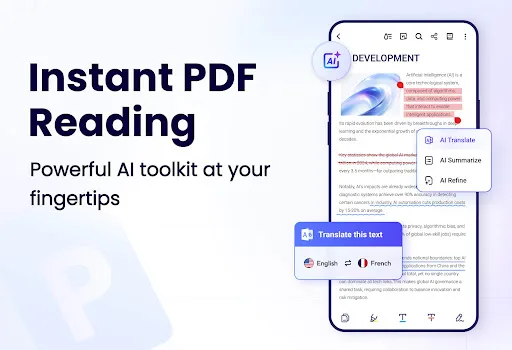
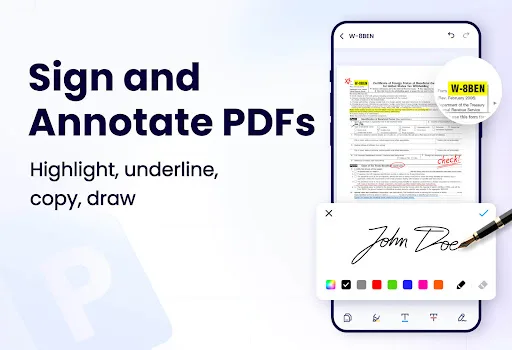
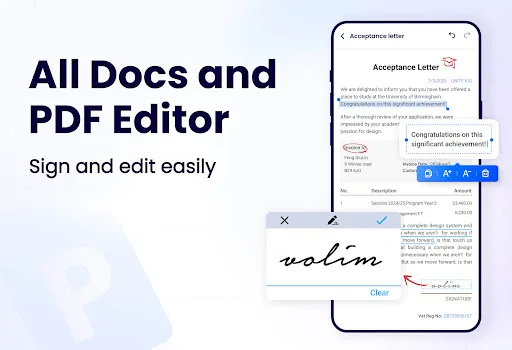
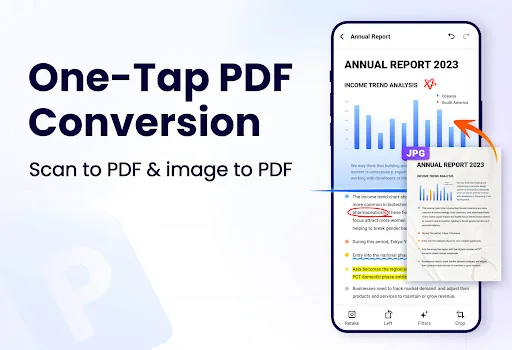
This AI-powered all-in-one PDF Reader lets you open, read, edit, sign and convert PDF files anytime, anywhere. This smart PDF Viewer automatically detects and displays all files on your device — PDF, Word, Excel, PPT and TXT are all supported. With this PDF Editor and PDF Conve…
Pros
- AI-powered smart detection and organization of files
- Lightweight and fast for basic PDF viewing
- Supports multiple formats: PDF, Word, Excel, PPT, TXT
- Easy annotation and highlighting tools
- Free with minimal ads
Cons
- Limited editing capabilities compared to WPS Office
- No full office suite for creating documents
- Lower rating (4.22) and fewer installs
Final Verdict
Our pick: WPS Office-PDF, Word, Sheet
For most users, WPS Office is the better choice due to its comprehensive office suite capabilities and higher rating. It offers seamless PDF editing, conversion, and annotation, plus support for multiple document formats, making it ideal for professionals and students. PDF Reader is a solid alternative for those who want a simple, fast PDF viewer with AI features, but it lacks the advanced editing and suite integration of WPS Office. If you need a full office solution, go with WPS Office; if you only need PDF tools, PDF Reader suffices. Overall, WPS Office's versatility and higher rating make it the winner.
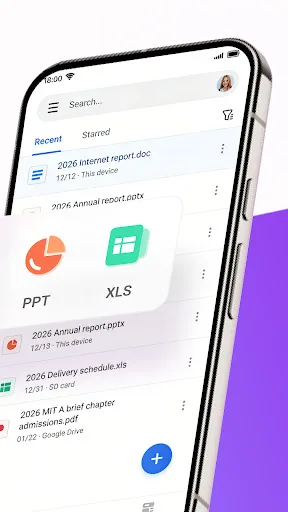
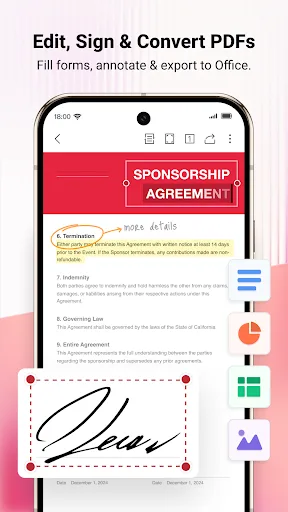
WPS Office-PDF, Word, Sheet Screenshots
Official app screenshots from the Google Play Store.

PDF Reader - PDF Viewer Screenshots
Official app screenshots from the Google Play Store.
Frequently Asked Questions
Which app has a better rating?
WPS Office has a higher rating of 4.39 compared to PDF Reader's 4.22.
Can both apps work offline?
Yes, both WPS Office and PDF Reader allow offline viewing and editing of downloaded files.
Do these apps show ads?
WPS Office has minimal ads in the free version, while PDF Reader also shows occasional ads but both are manageable.
What are the device requirements?
Both apps run on Android 5.0 and up. WPS Office requires more storage (around 150MB) while PDF Reader is lighter (around 30MB).
Which one should I choose?
Choose WPS Office if you need a full office suite for creating and editing documents. Choose PDF Reader if you primarily need a fast PDF viewer with basic editing.
Related Comparisons
 VS
VS

Mobi PDF vs MobiOffice: Which MobiSystems PDF Tool is Best for You?
 VS
VS
Document Reader vs MobiPDF: Which PDF Tool Reigns Supreme?
 VS
VS
iLovePDF vs Document Reader & PDF Editor: Best PDF Tool for Android
 VS
VS
Xodo vs Document Reader: Best PDF Tool for Android
 VS
VS

PDFgear vs CS PDF Reader: Best Free PDF Editor for Android
VS