ZArchiver vs Samsung My Files: Best File Manager for Android
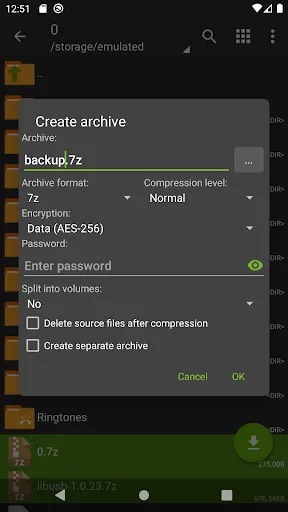
ZArchiver is a lightweight, internet-free archive tool perfect for power users who need to create and extract 7z, zip, and other formats. Samsung My Files is a feature-rich file explorer pre-installed on Samsung devices, offering cloud integration and storage analysis for everyday users. If you prioritize archive capabilities and privacy, ZArchiver is ideal. For seamless device management and cloud access, Samsung My Files is the go-to choice.
Samsung My Files
- Rating
- ★ 4.05
- Downloads
- 5,000,000,000+
- Developer
- Samsung Electronics Co., Ltd.
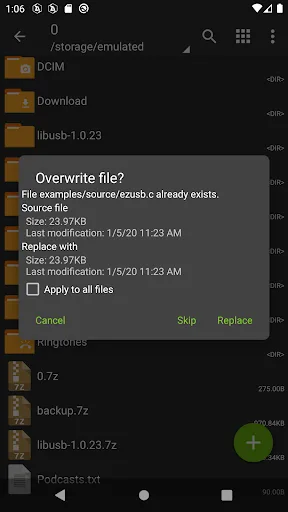
ZArchiver - is a program for archive management (including managing of application backups in archives). You can managment backup of application. It has a simple and functional interface. The app doesn't have permission to access the internet, so cannot transmit any information t…
Pros
- Supports creating and extracting many archive formats (7z, zip, rar, bzip2, etc.)
- No internet permission, ensuring 100% privacy and offline use
- Lightweight app with fast performance
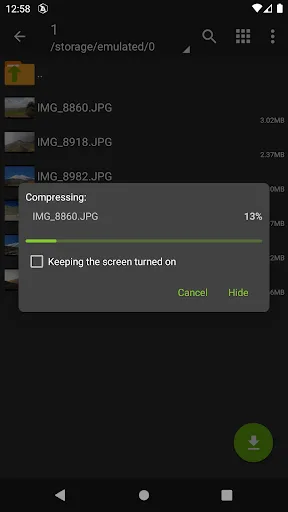
- Simple, functional interface with multi-threaded operations
- Can manage application backups in archives
Cons
- No built-in cloud storage integration
- Lacks storage analysis or cleanup tools
- Basic file browsing features compared to full explorers
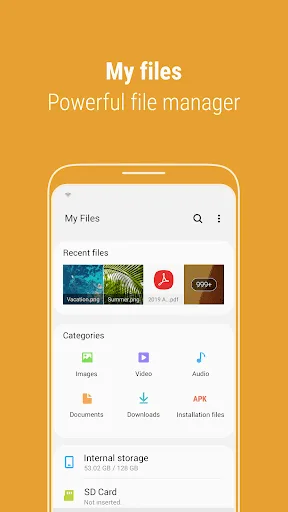
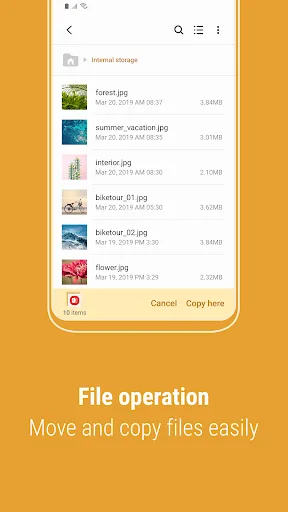
[Introducing My Files] "My Files" manages all the files on your smartphone, just like a file explorer on your computer. You can also manage files stored on SD cards, USB drives and files in the cloud storage connected with your smartphone at the same time. Download and experience…
Pros
- Pre-installed on Samsung devices with deep system integration
- Supports SD card, USB drives, and cloud storage (e.g., Google Drive, OneDrive)
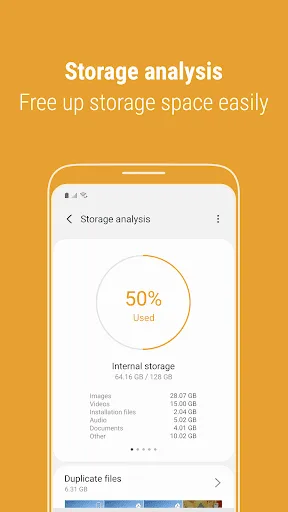
- Includes 'Storage Analysis' to free up space easily
- User-friendly interface with categories and search
- Regularly updated by Samsung with new features
Cons
- Limited archive format support (mainly zip) without advanced options
- Contains ads (though minimal) and requires internet for cloud features
- Higher resource usage and not available on non-Samsung devices
Final Verdict
Our pick: ZArchiver
Both apps serve different primary needs. ZArchiver excels in archive management with support for numerous formats and no internet permission, making it ultra-private. Samsung My Files offers a broader file management experience including cloud storage and storage cleanup, but lacks advanced archive features. For users who frequently handle archives and value privacy, ZArchiver is the winner. For general file browsing and device maintenance on Samsung phones, Samsung My Files is more convenient. Overall, ZArchiver's specialized functionality and higher rating give it the edge for most users.

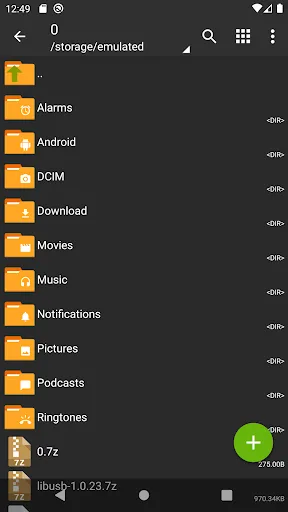
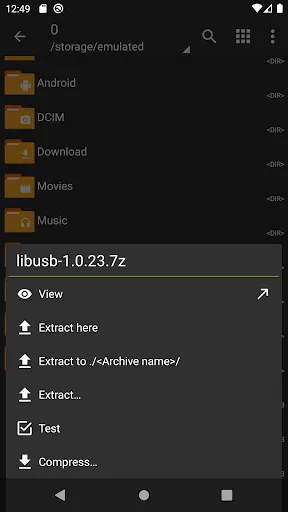
ZArchiver Screenshots
Official app screenshots from the Google Play Store.
Samsung My Files Screenshots
Official app screenshots from the Google Play Store.
Frequently Asked Questions
Which app has a higher rating?
ZArchiver has a rating of 4.15, while Samsung My Files has 4.04. Both are well-rated, but ZArchiver scores slightly higher.
Can I use these apps offline?
ZArchiver works completely offline without internet permission. Samsung My Files works offline for local files, but cloud features require internet.
Do these apps contain ads?
ZArchiver is ad-free. Samsung My Files may show occasional ads, but they are not intrusive.
What are the device requirements?
ZArchiver runs on Android 4.0+ and is very lightweight. Samsung My Files requires Samsung devices and Android 5.0+.
Which app should I choose for archive management?
Choose ZArchiver if you need extensive archive format support and privacy. Choose Samsung My Files if you want an all-in-one file manager with cloud access.
Related Comparisons
 VS
VS
Xender vs Files by Google: Which File Manager & Transfer App Wins in 2026
 VS
VS
Google Drive vs Dropbox: The Ultimate File Manager Showdown
 VS
VS
Solid Explorer vs Google Drive: Best File Manager for Android
 VS
VS
Cx File Explorer vs Solid Explorer: Which File Manager Reigns Supreme?
VS
Cx File Explorer vs Samsung My Files: Which File Manager Reigns Supreme?
VS